Featured transformation
Portrait
Preserves facial features and hairstyle.
Clean Line Art
Before

After
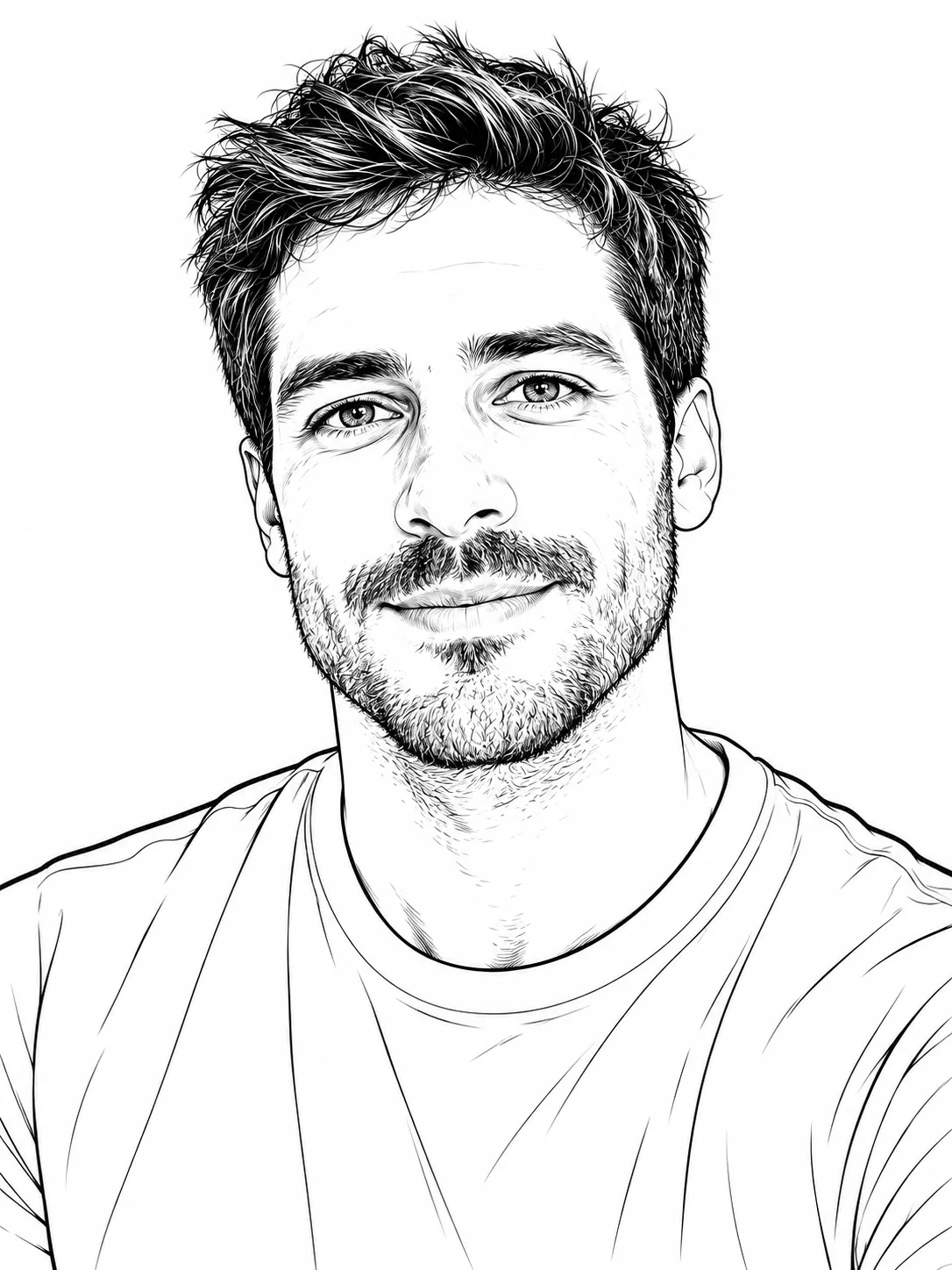
Photo to line art
Turn your photo into line art, a simple outline, or a detailed line drawing. Choose a style, keep or remove the background, and generate a result that follows your original photo.
Featured transformation
Preserves facial features and hairstyle.
Clean Line Art
Before
After
Before
After
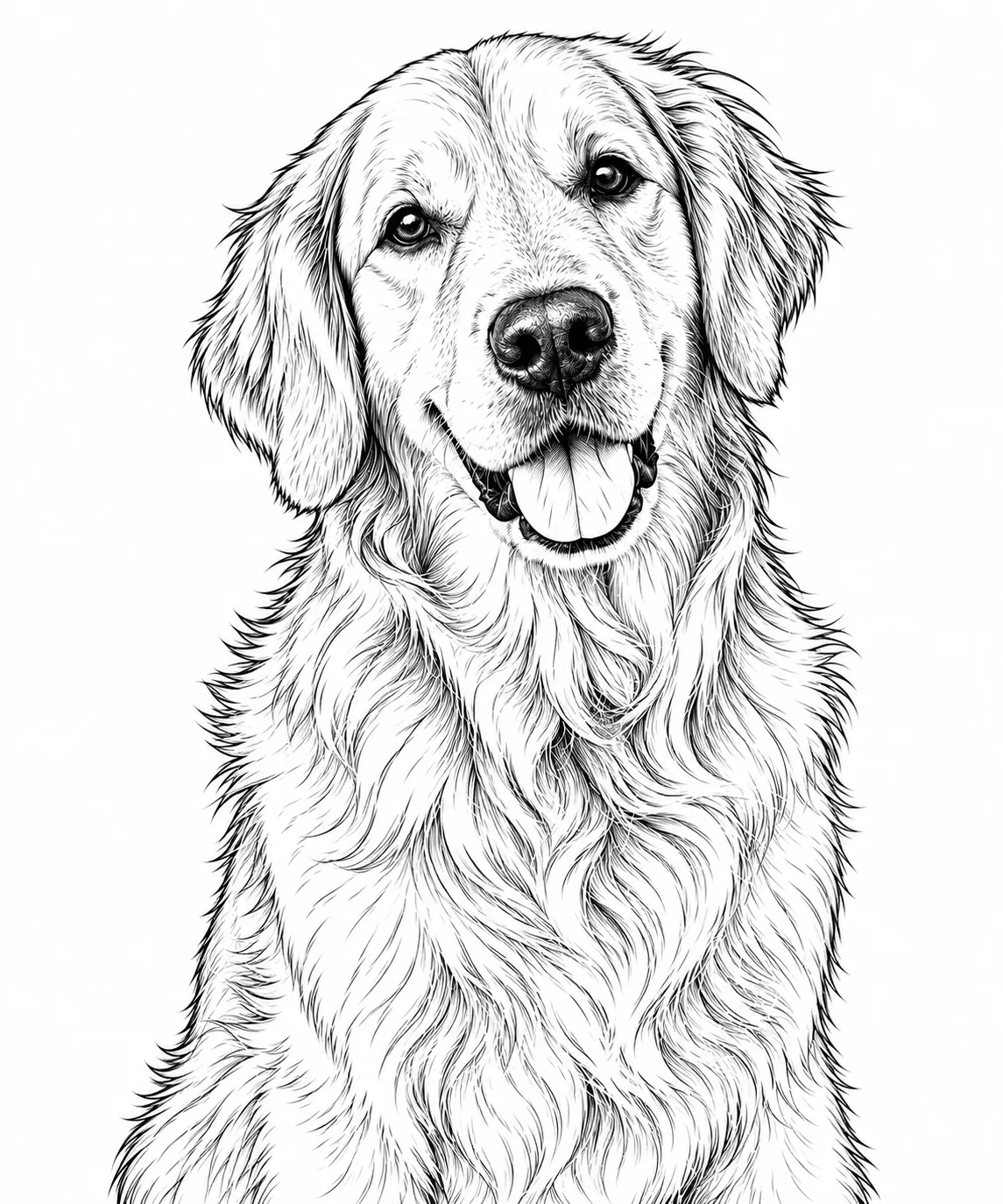
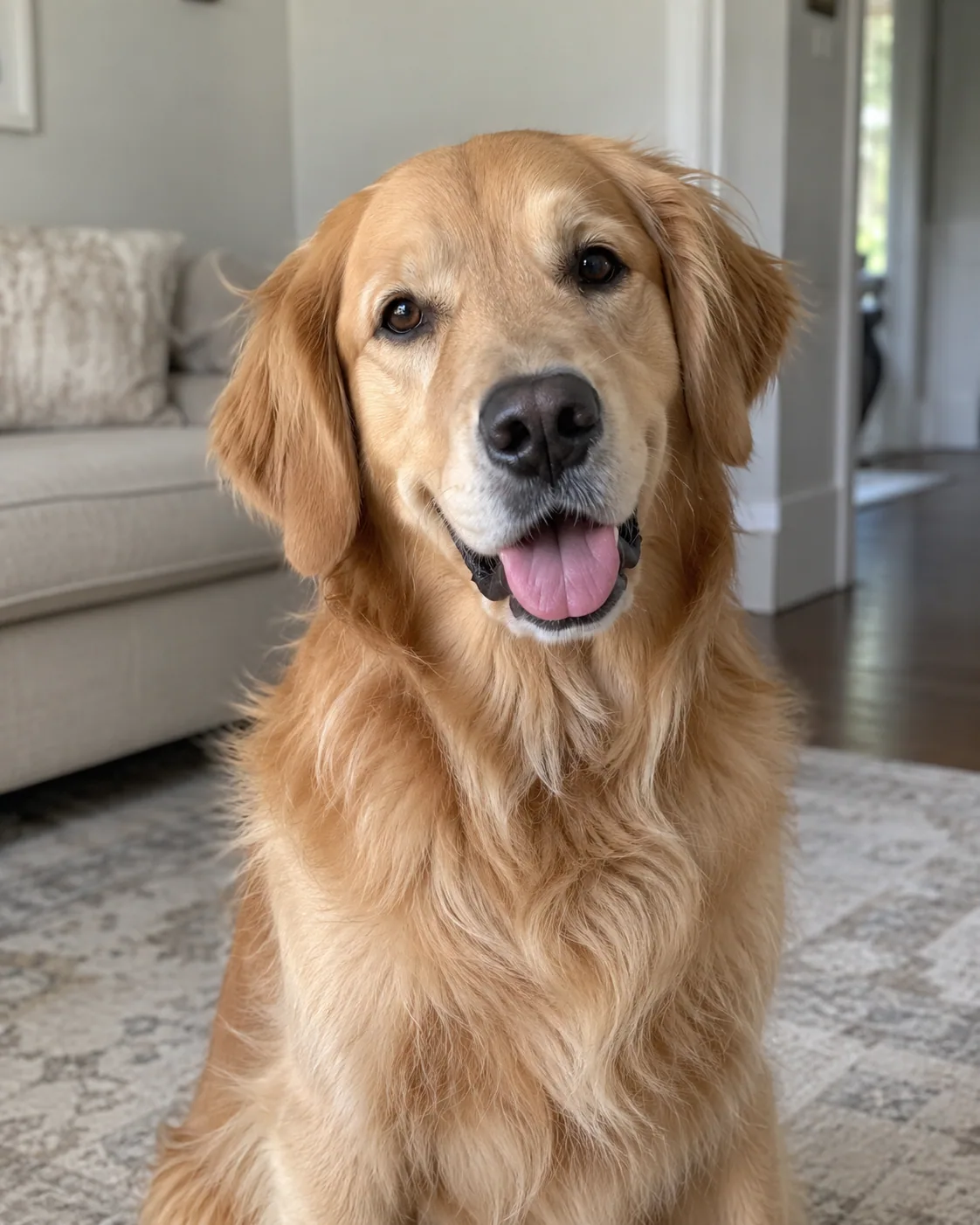
Keeps recognizable facial features and fur patterns.
Before
After
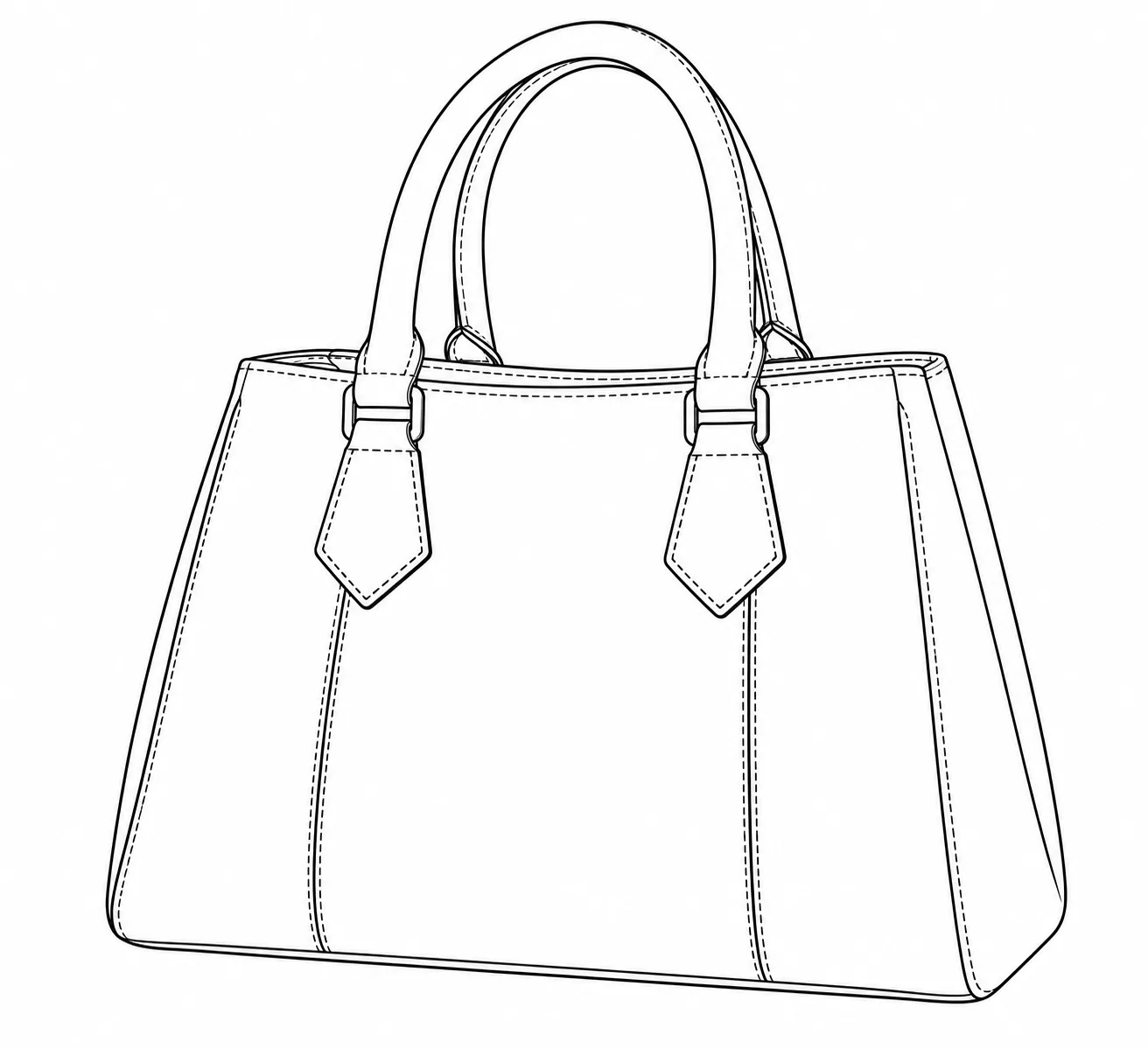
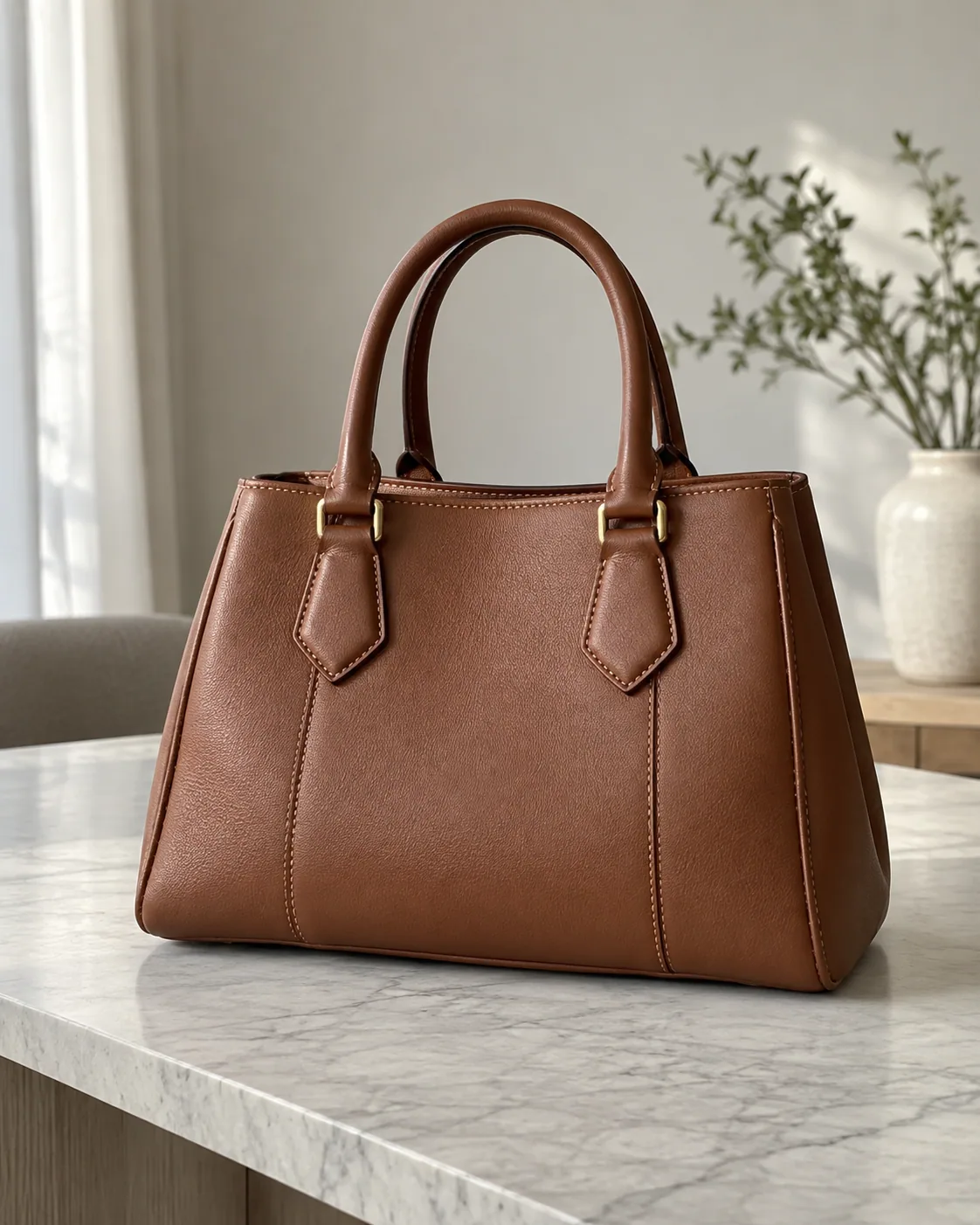
Turns product photos into clean illustration references.
Before
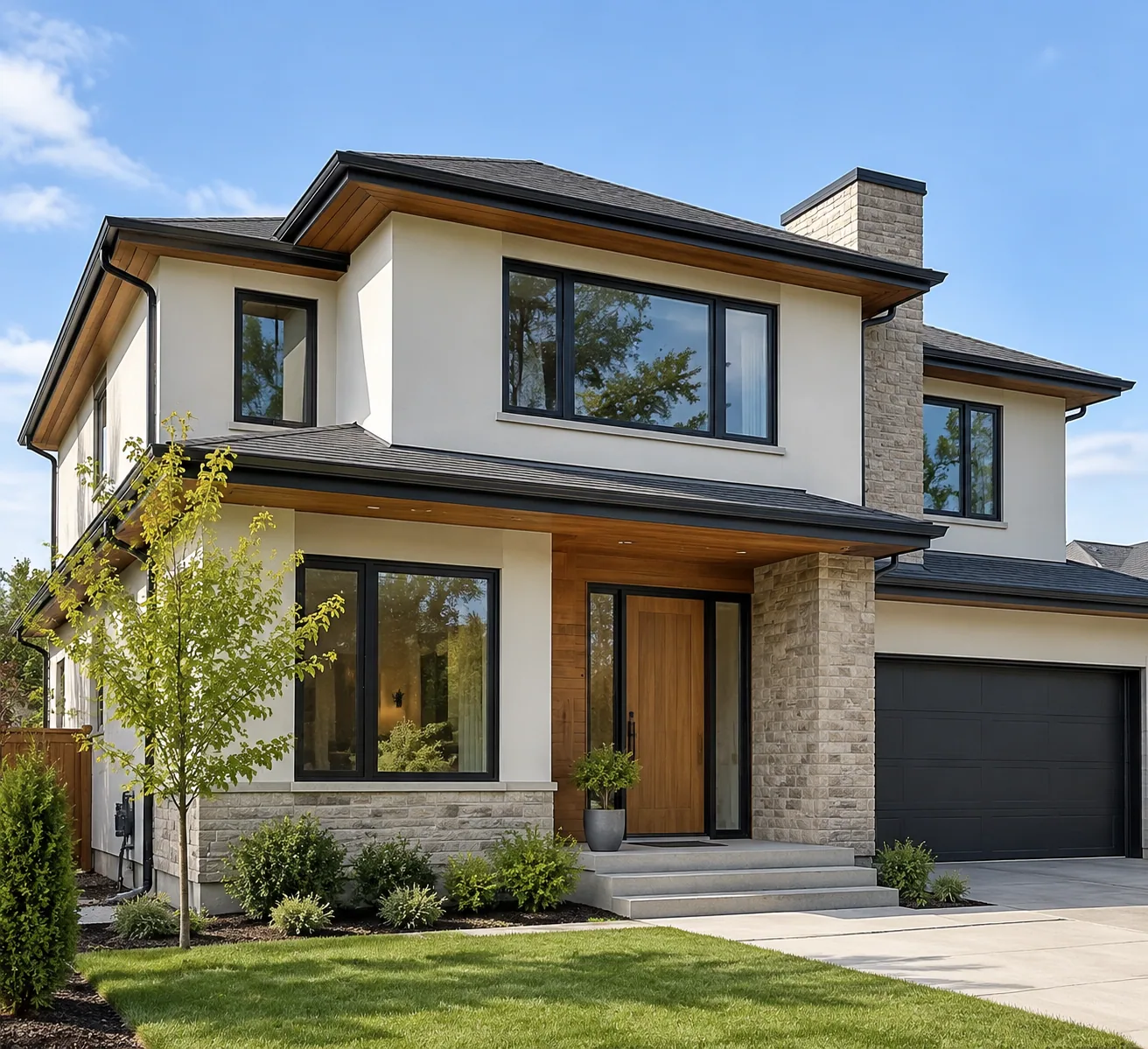
After
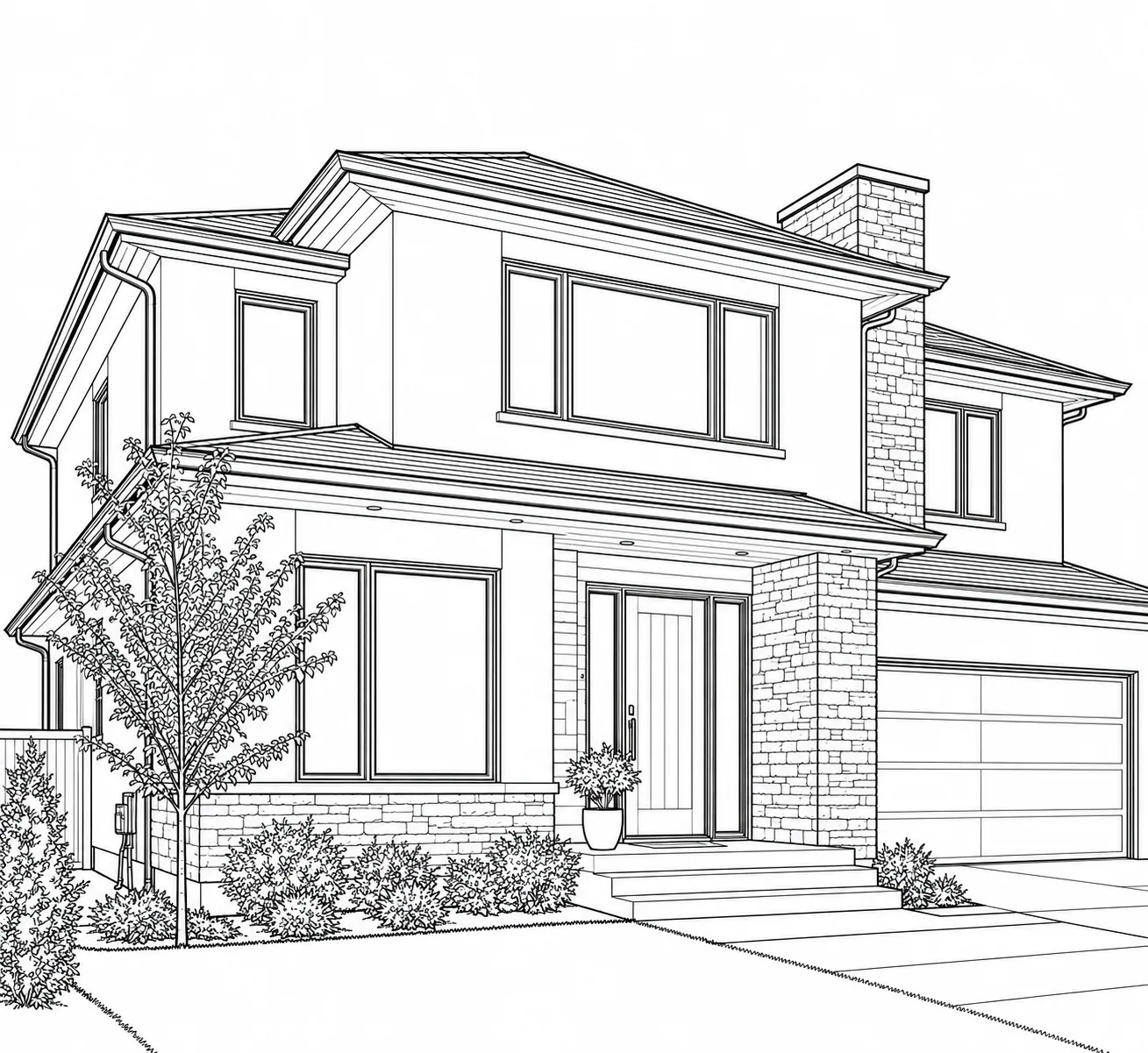
Preserves architectural structure and perspective.
Choose a clear JPG, PNG, or WebP photo up to 10MB.
Select Clean, Minimal, Detailed, or Bold, then choose whether to keep or remove the background.
Add an optional direction, generate your line art, and download the result when it is ready.
| Type | What it does | Best for |
|---|---|---|
| Line Art | Main contours and important details | Portraits, pets, and objects |
| Outline | Fewer outer shapes and essential inner lines | Minimal designs |
| Line Drawing | A general term for artwork made with lines | Photo conversion and illustration |
A photo-to-line-art converter usually preserves more interior detail than a simple outline, while using much less shading than a pencil sketch.
Small, blurry, heavily obscured, or low-contrast subjects can lose detail. Complex backgrounds may need the Remove setting or a simpler source photo.
Upload a photo, choose a line style and background setting, then select Generate Line Art. You can download the result when it is ready.
Line art can retain interior features and structure. An outline focuses on the strongest contours and uses fewer inner details.
Start with Clean for balanced detail. Minimal simplifies shapes, Detailed retains more structure, and Bold uses heavier lines.
Yes. A clear portrait can become line art that follows the original facial features and hairstyle. Results vary with photo clarity and the selected style.
Yes. Try a well-lit photo that shows your pet’s face and fur clearly. Detailed Line Art can retain more of those features.
Yes. Select Remove to ask for the subject on a plain white background, or Keep to simplify important background structure into lines.
No. Upload a photo and choose a style; the AI produces the line drawing for you.
You can try Bold or Minimal for printing and craft references. Check the usage conditions and restrictions before publishing or selling the result. Read the Terms.