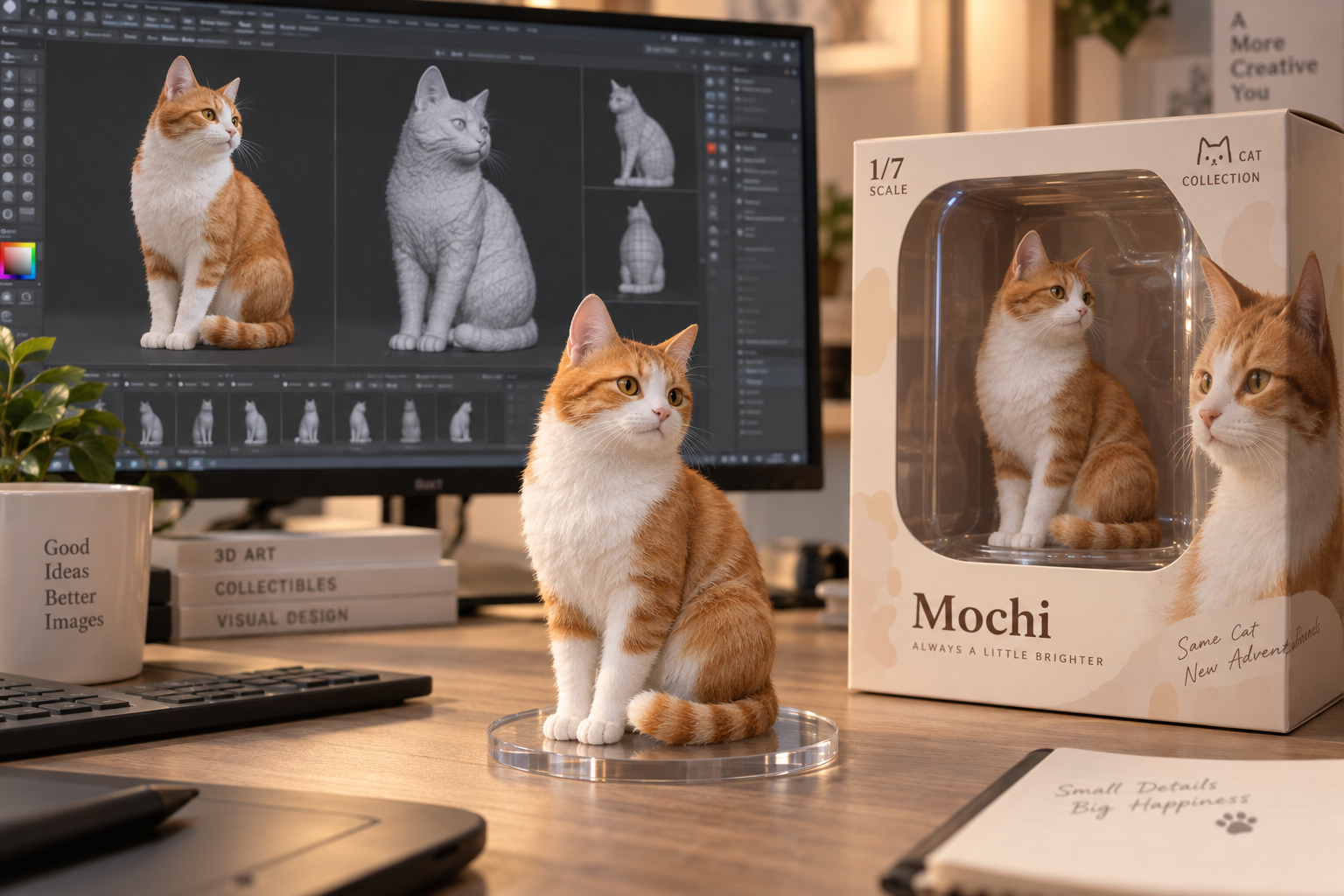
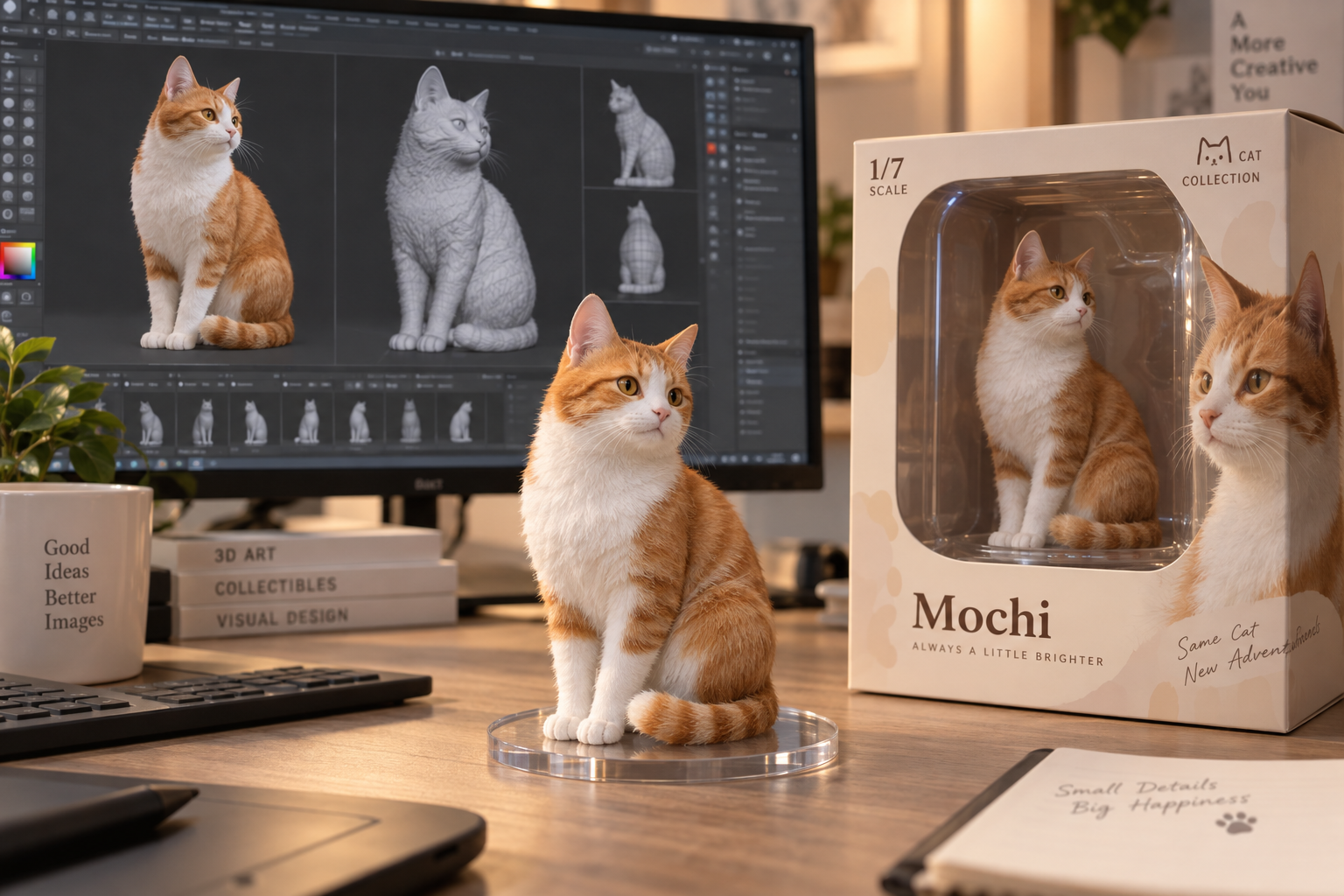
UPLOAD IMAGE
Drop or choose an image
JPG · PNG · WebP · Max 10MB
01
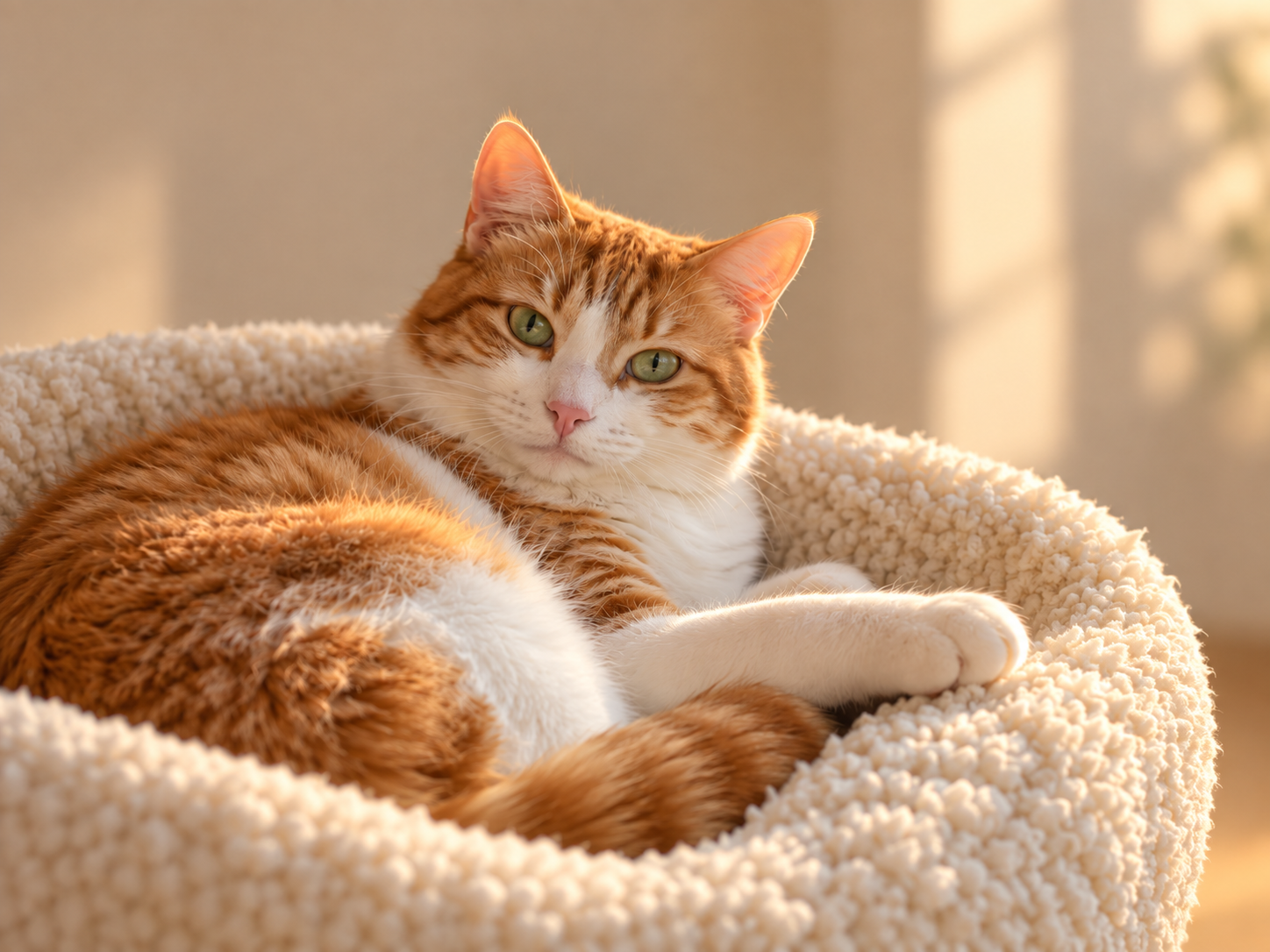
Upload an image
Choose the photo you want to transform.
Start with your image. Describe a new style, background, or detail, then create your next version with AI.
UPLOAD IMAGE
Drop or choose an image
JPG · PNG · WebP · Max 10MB
Choose the photo you want to transform.
Tell AI what to change and what to keep.
Generate your result, then save it when it is ready.
Restyle showcase
See how one photo can take on completely different styles.
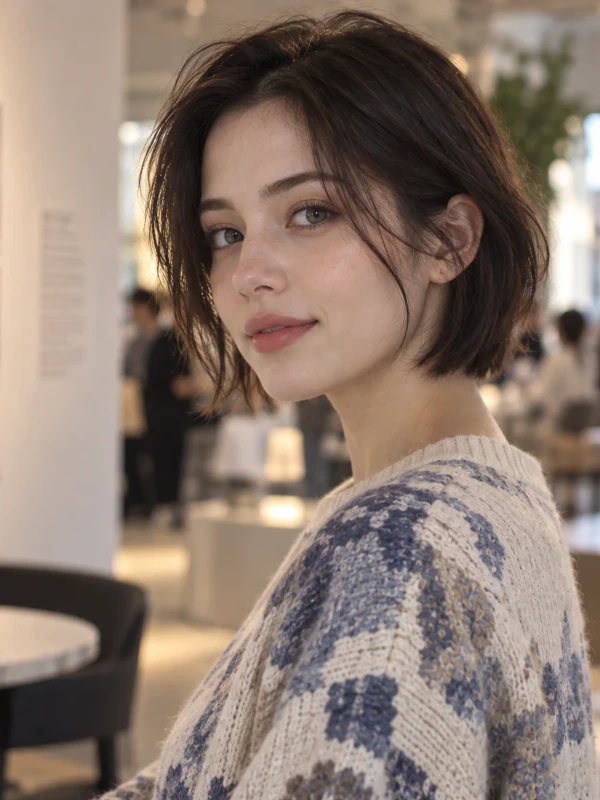
Original
Source portrait before restyling.
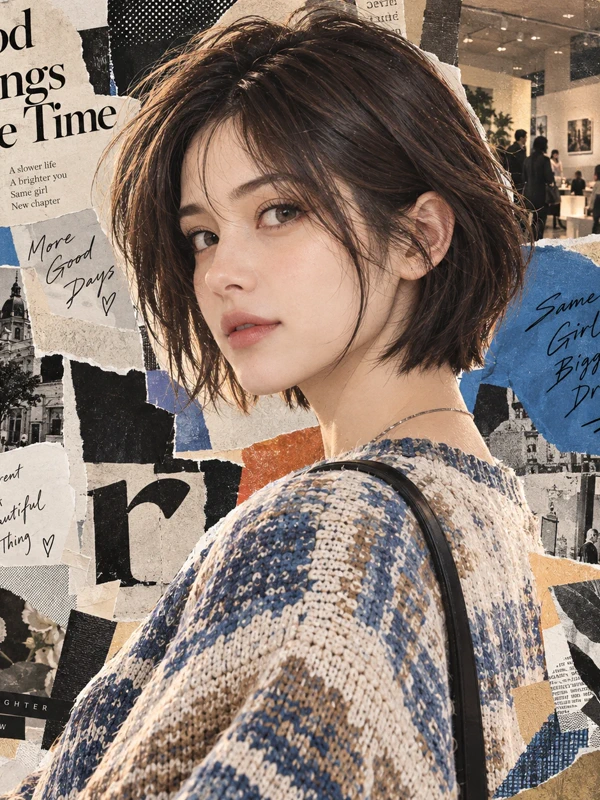
Editorial collage
Layered paper textures and a magazine-style composition.
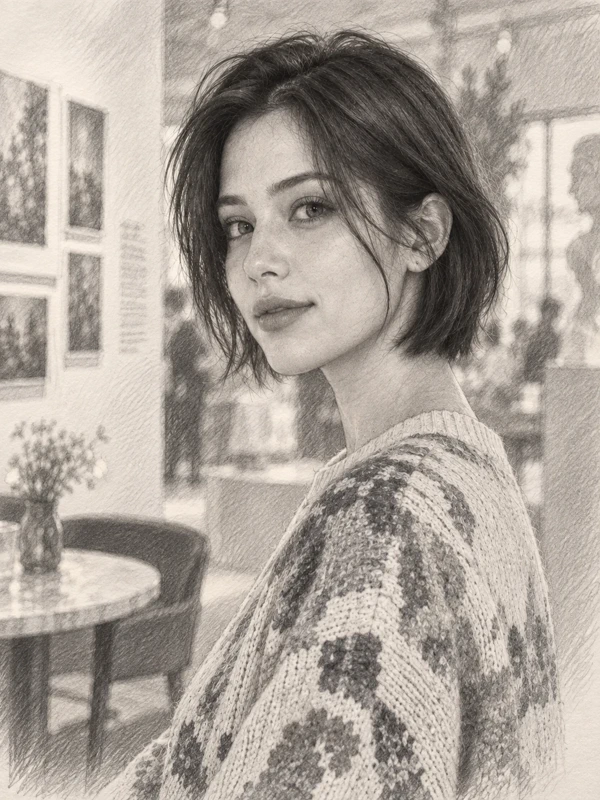
Pencil sketch
Graphite-like lines with hand-drawn tonal detail.
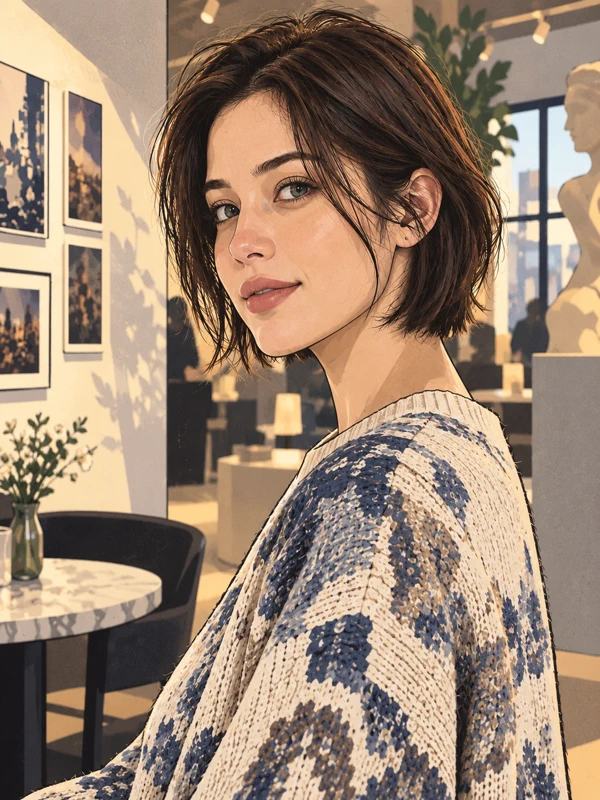
Stylized illustration
Clean shapes and a softly simplified illustrated finish.
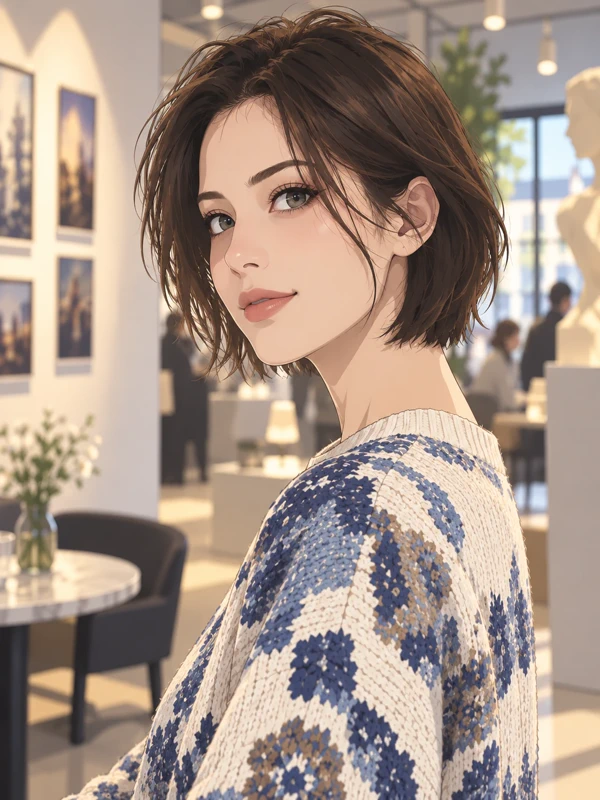
Anime
Expressive linework with a polished animated character feel.
Explore Photo to Anime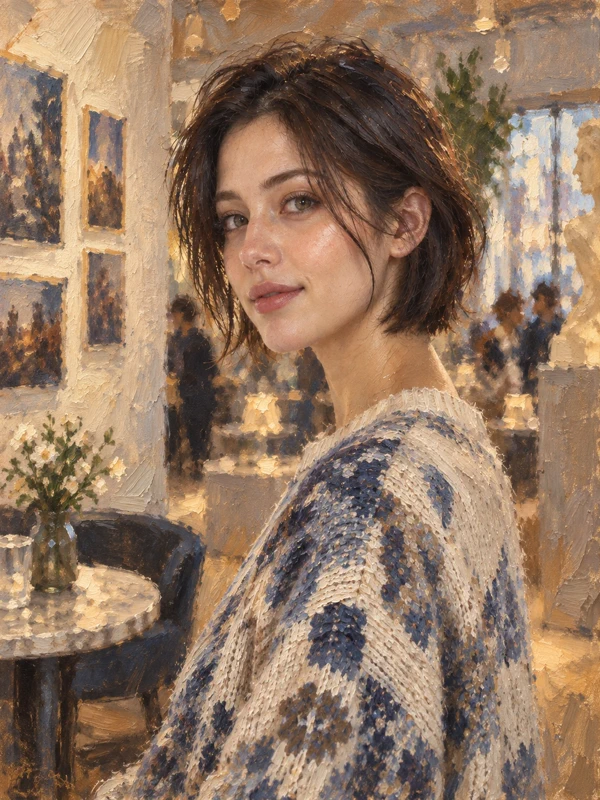
Oil painting
Visible brush texture and a warm painterly surface.
Creative showcase
Portrait
A casual selfie-style portrait with natural, everyday lighting. Turn it into a polished studio and editorial portrait without changing the person.
Prompt
Turn this portrait into a premium photorealistic studio portrait. Keep the same person, face, age, hairstyle, expression, pose, clothing, and identity. Use natural skin texture, sharp facial detail, soft professional studio lighting, shallow depth of field, realistic color, and clean editorial camera quality. Do not beautify, stylize, reshape facial features, or add accessories or text.
Why this prompt: The prompt protects identity, pose, and clothing while directing lighting, detail, and finish.
Use case: Useful for profile, editorial, and personal-brand imagery.


Product scene
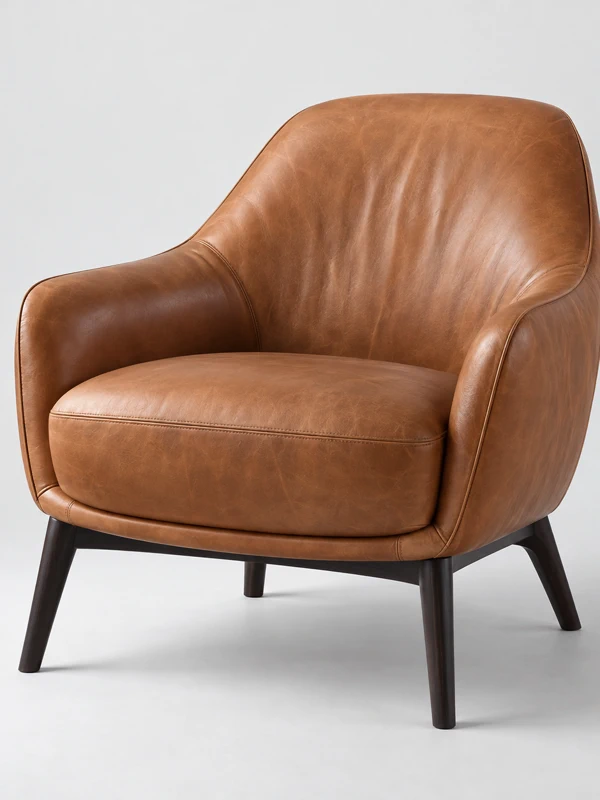
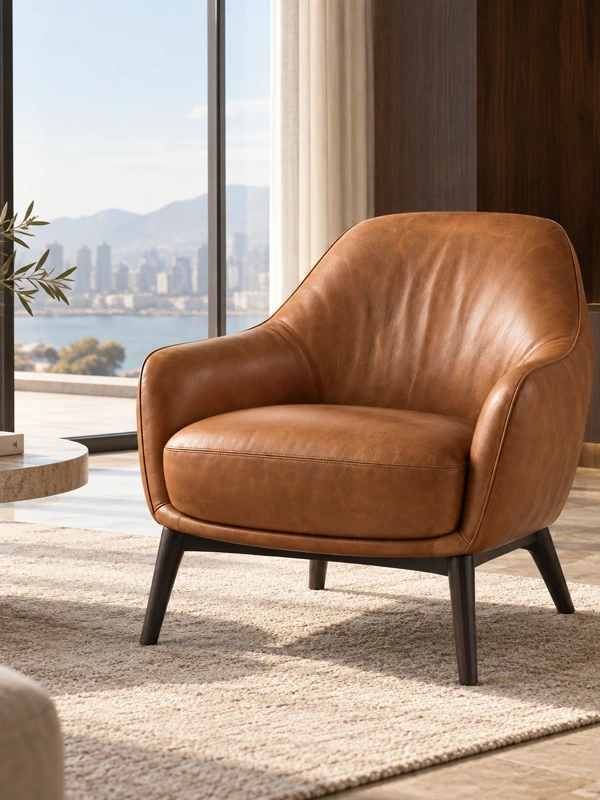
A simple product image of a brown leather chair. Place the same chair in a refined, lived-in interior.
Prompt
Place this exact chair in a refined modern living room with floor-to-ceiling windows, warm natural daylight, travertine flooring, a soft neutral rug, dark walnut accents, and minimal designer decor. Keep the chair’s shape, color, leather texture, proportions, and details unchanged, making it the clear focal point of the scene.
Why this prompt: It names the chair details to preserve while changing only the surrounding scene.
Use case: Useful for ecommerce, lifestyle, and product-staging visuals.
Precise edit
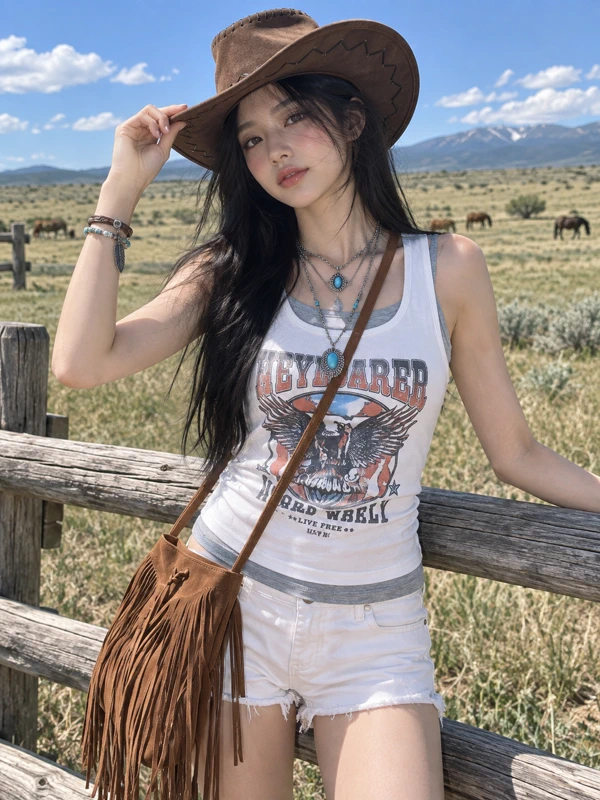
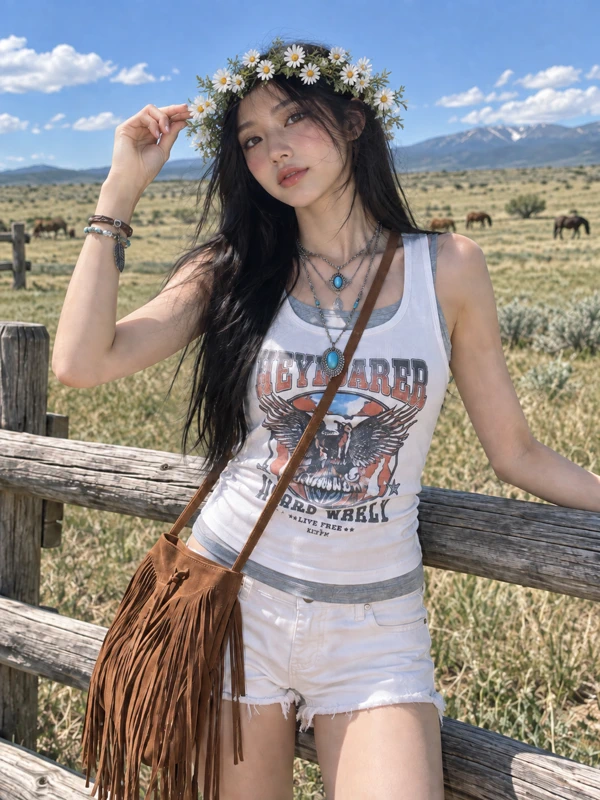
A portrait in a cowboy hat, framed against an open landscape. Replace only the hat with a delicate flower crown.
Prompt
Edit this exact image and make one change only: replace the brown cowboy hat on her head with a delicate flower crown made of small white wildflowers and subtle green leaves. Do not regenerate or reinterpret the image. Preserve the exact same person, face, facial features, expression, hairstyle, hair position, head angle, body pose, hand position, clothing, jewelry, bag, body proportions, camera angle, crop, background, fence, landscape, lighting, shadows, colors, depth of field, and composition. Everything except the hat must remain pixel-consistent with the original image.
Why this prompt: The detailed keep-list makes this a controlled local edit instead of a new interpretation.
Use case: Useful when portrait identity and composition must remain fixed.
Use a plain English prompt instead of learning layers, masks, or a long editing timeline.
An existing photo gives the generator a subject, pose, camera angle, and visual direction.
Keep the source image and prompt visible so each result can become the next iteration.
Turn a photo into anime-inspired artwork with a choice of styles.
Create line drawings from portraits, pets, and other photos.
Make coloring pages from your own photos to print and color.
Need hands-on edits? PhotoCraft editor
Start with a credit pack, or save with a monthly or yearly plan.
$9.99
$0.050 / credit
One-time purchase
$29.99
$0.043 / credit
One-time purchase
$59.99
$0.037 / credit
One-time purchase
Image to image AI starts with an existing image and a text prompt, then creates a new version that follows your requested change. It is also written as img to img.
Text to image starts from only a prompt. It uses your uploaded photo as visual context, so the result can keep the subject, pose, or composition while changing style, background, or details.
You can restyle a photo, replace a background, remove an object, or make other specific edits while keeping useful visual context from the source.
Upload a JPG, PNG, or WebP image, describe the change you want, then select Generate. A human check may be required.
Upload a JPG, PNG, or WebP image up to 10 MB.
Describe the change clearly, mention what should stay the same, and use one focused request at a time.
Credit packs add a one-time balance and remain valid for 12 months. Monthly and yearly plans provide a new credit allowance every month.
No. Subscription credits refresh every month, including on yearly plans. Unused subscription credits expire at the end of that credit period. Credit-pack credits remain available for up to 12 months.
Yearly plans are charged once per year at the listed annual price. Credits are still issued monthly rather than giving the full year's credits upfront.
Yes. You can cancel from Billing and continue using the plan through the end of the period you already paid for. The subscription will not renew after that paid period.
Payment refund requests are reviewed manually. Unused purchased credits may be eligible for a refund, while credits already used for completed generations are generally not refundable. Eligible failed generations return their generation credits automatically.