Portrait Anime Transformation
Before
After
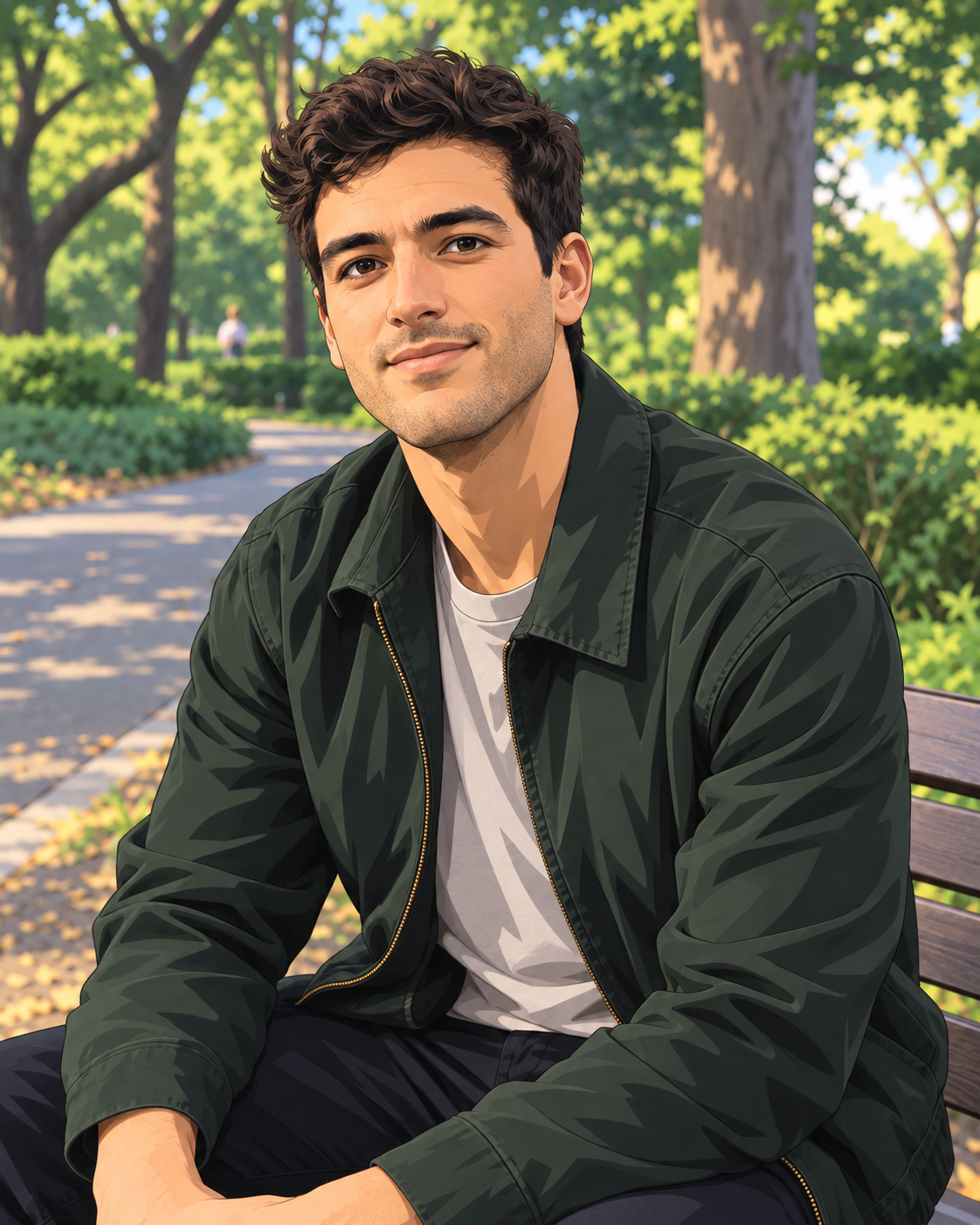
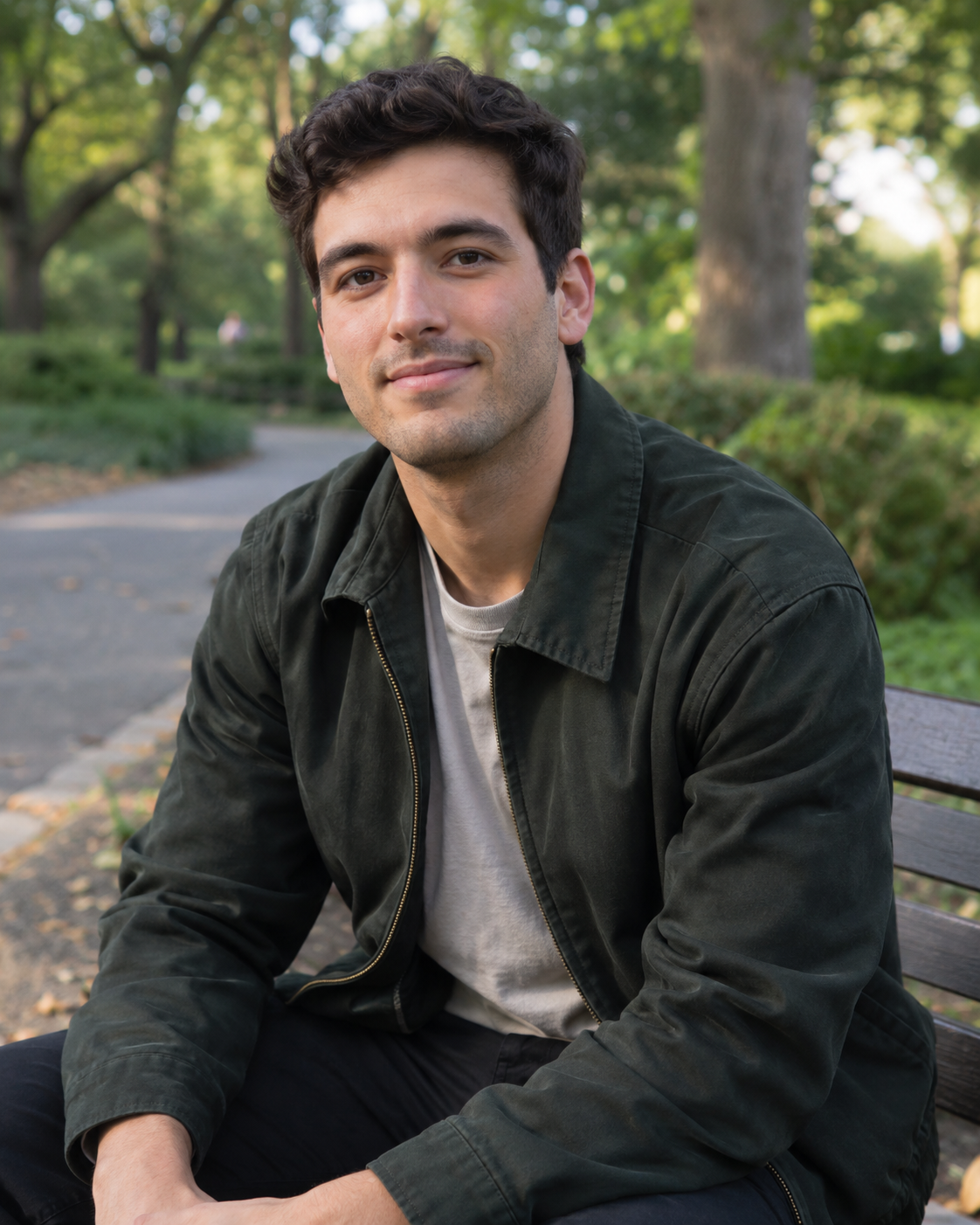
This example keeps the same hairstyle, facial features, seated pose, clothing, and overall composition while changing the visual style to anime.
Results vary with the source photo and selected style.
Photo to anime
Upload a photo, choose an anime style, and transform it while keeping recognizable details such as facial features, hairstyle, pose, and composition. Your first image is free without signing up.
The converter is designed to retain recognizable details from the original photo while changing its visual style.
Before
After
This example keeps the same hairstyle, facial features, seated pose, clothing, and overall composition while changing the visual style to anime.
Results vary with the source photo and selected style.
Yes. Your first anonymous generation can be created without an account. Additional generations require signing in and credits.
The converter is designed to retain recognizable details such as facial features, hairstyle, expression, pose, and composition. How closely these details are preserved depends on the source photo and style.
Yes. You can apply Anime, Manga, Ghibli-inspired, 3D Anime, Chibi, and other available presets to the same uploaded photo.
Yes. Photo to Anime also works with pets, city scenes, food, and other photos, not only portraits.
Before
After
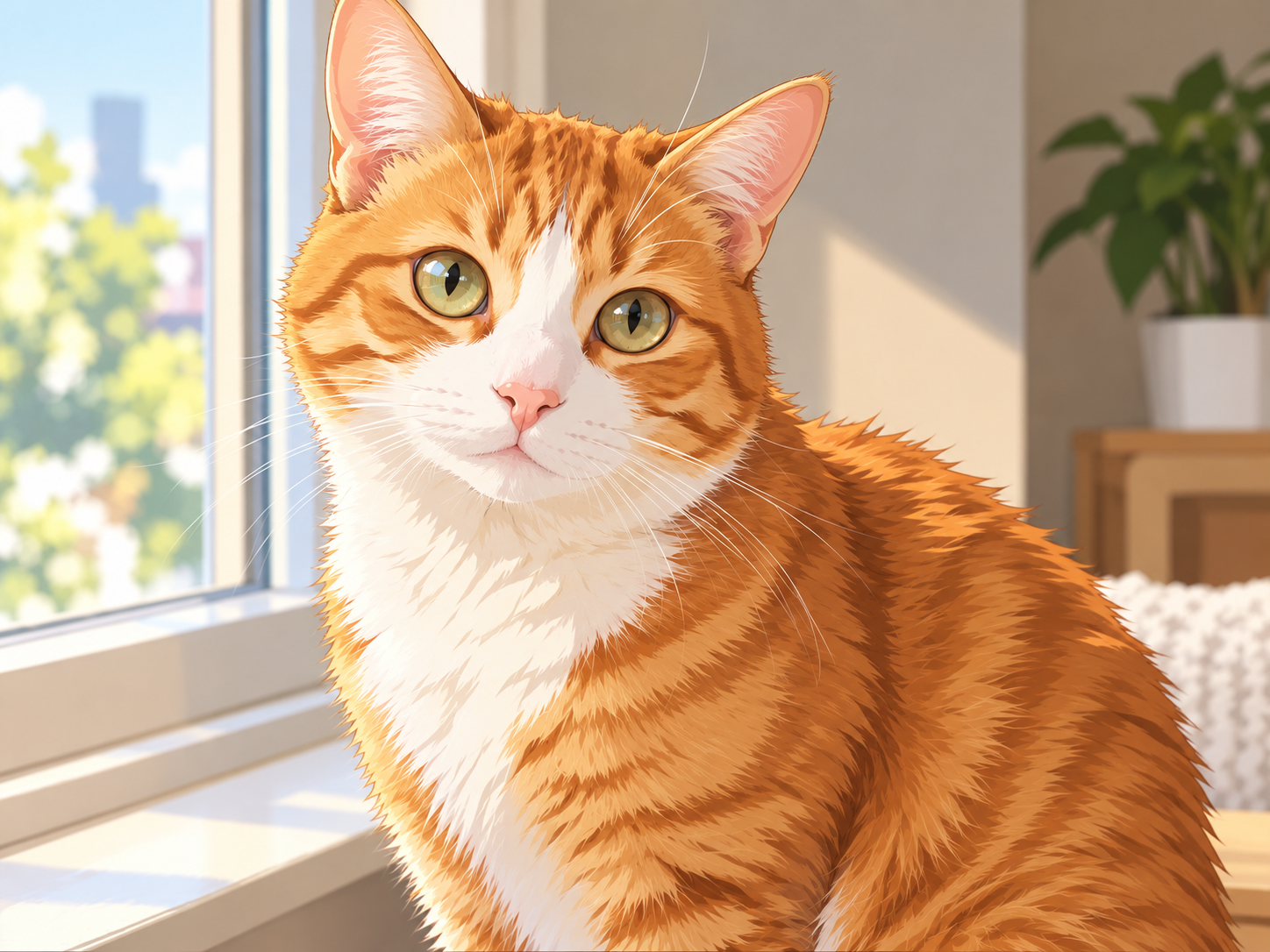
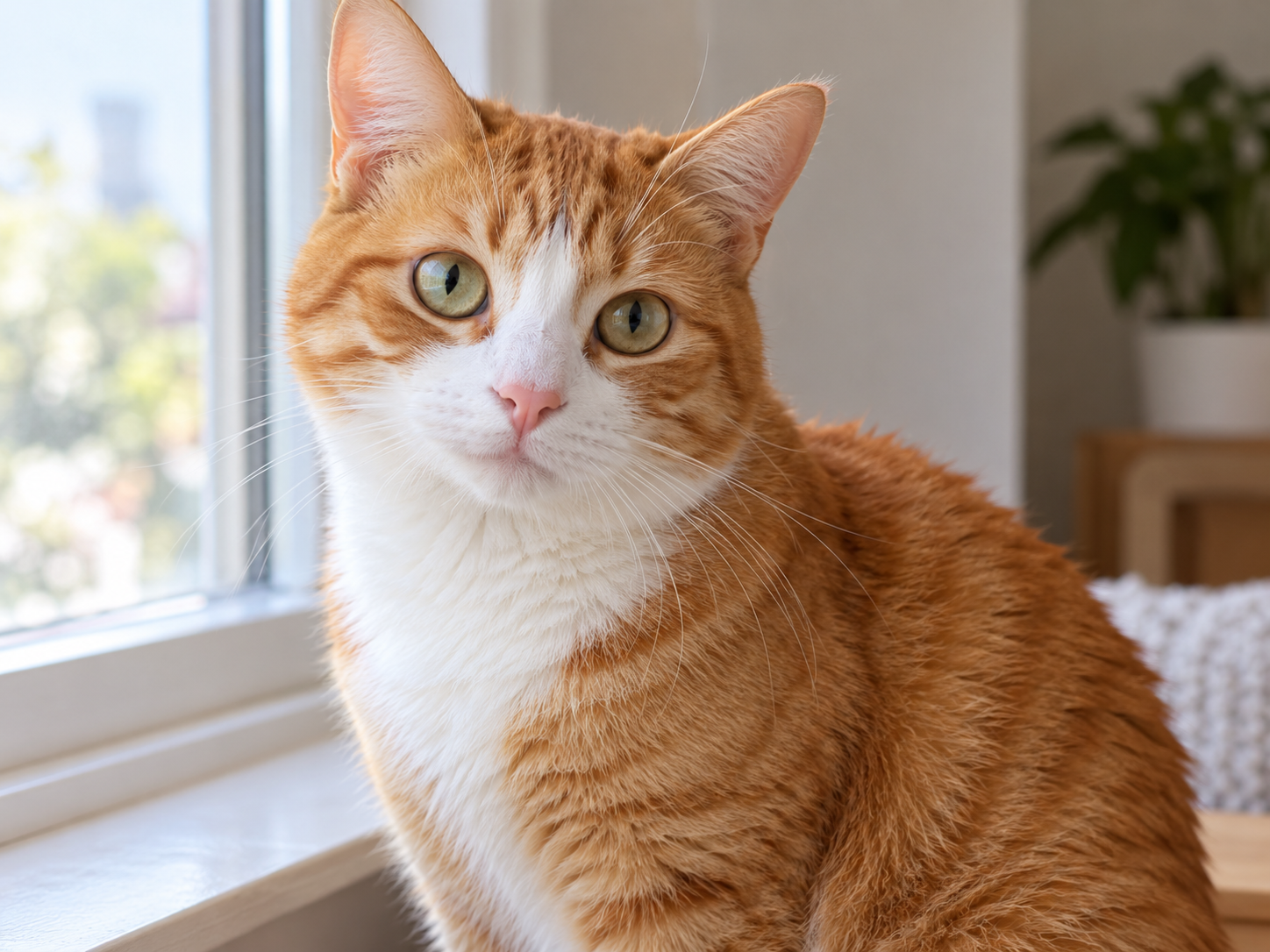
Preserves fur patterns, eyes, and unique details.
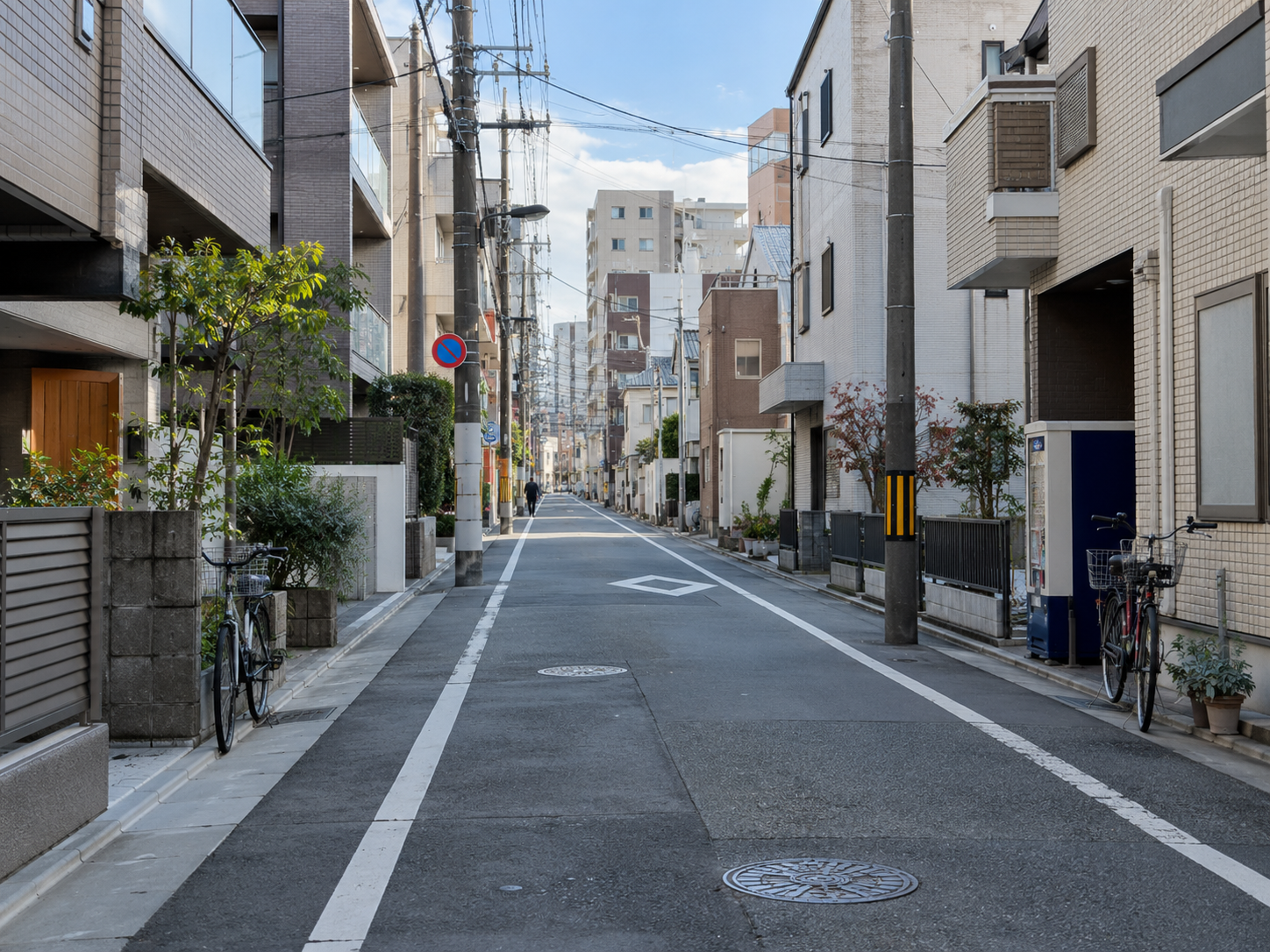
Before
After
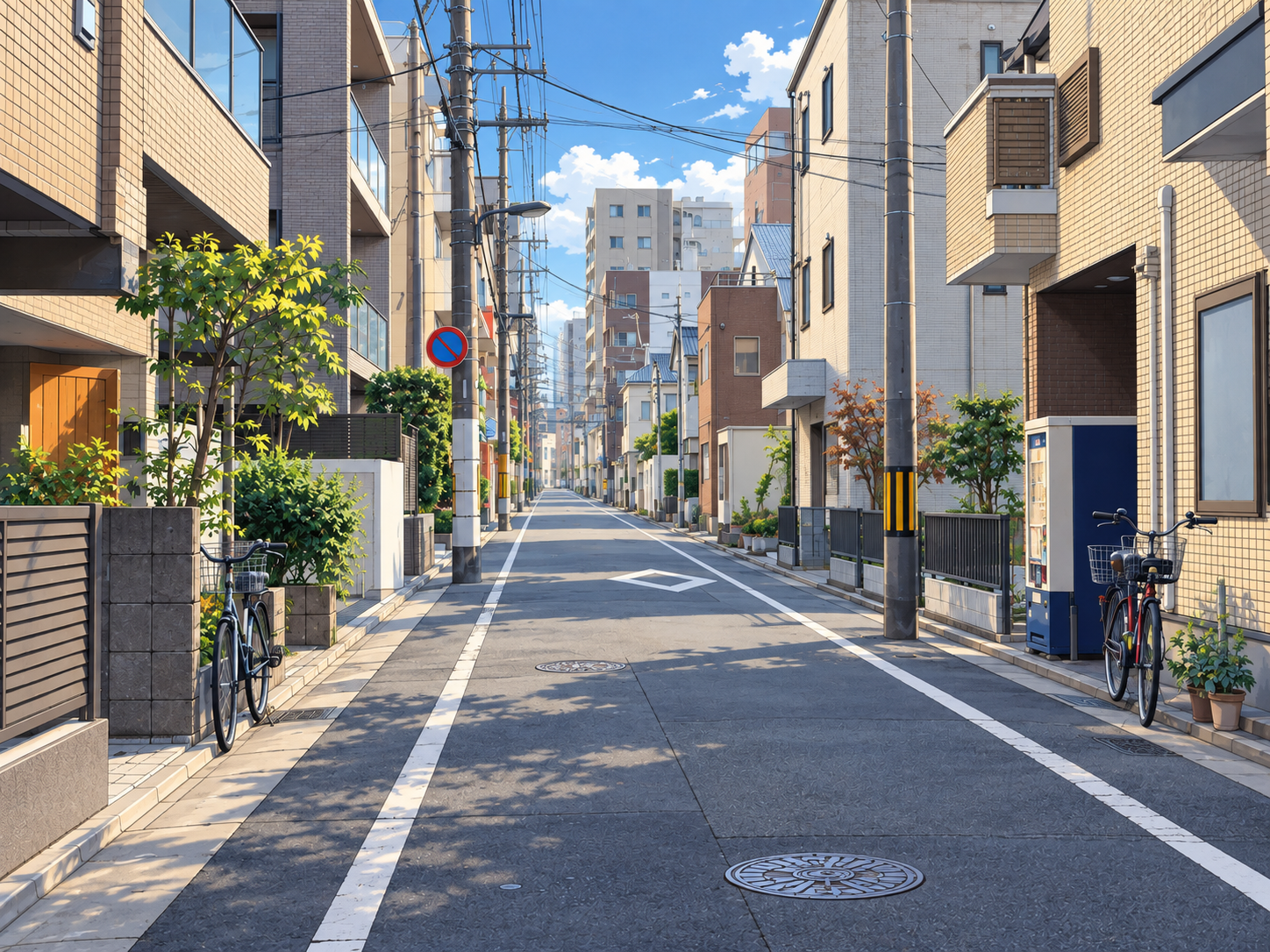
Maintains architecture, perspective, and atmosphere.
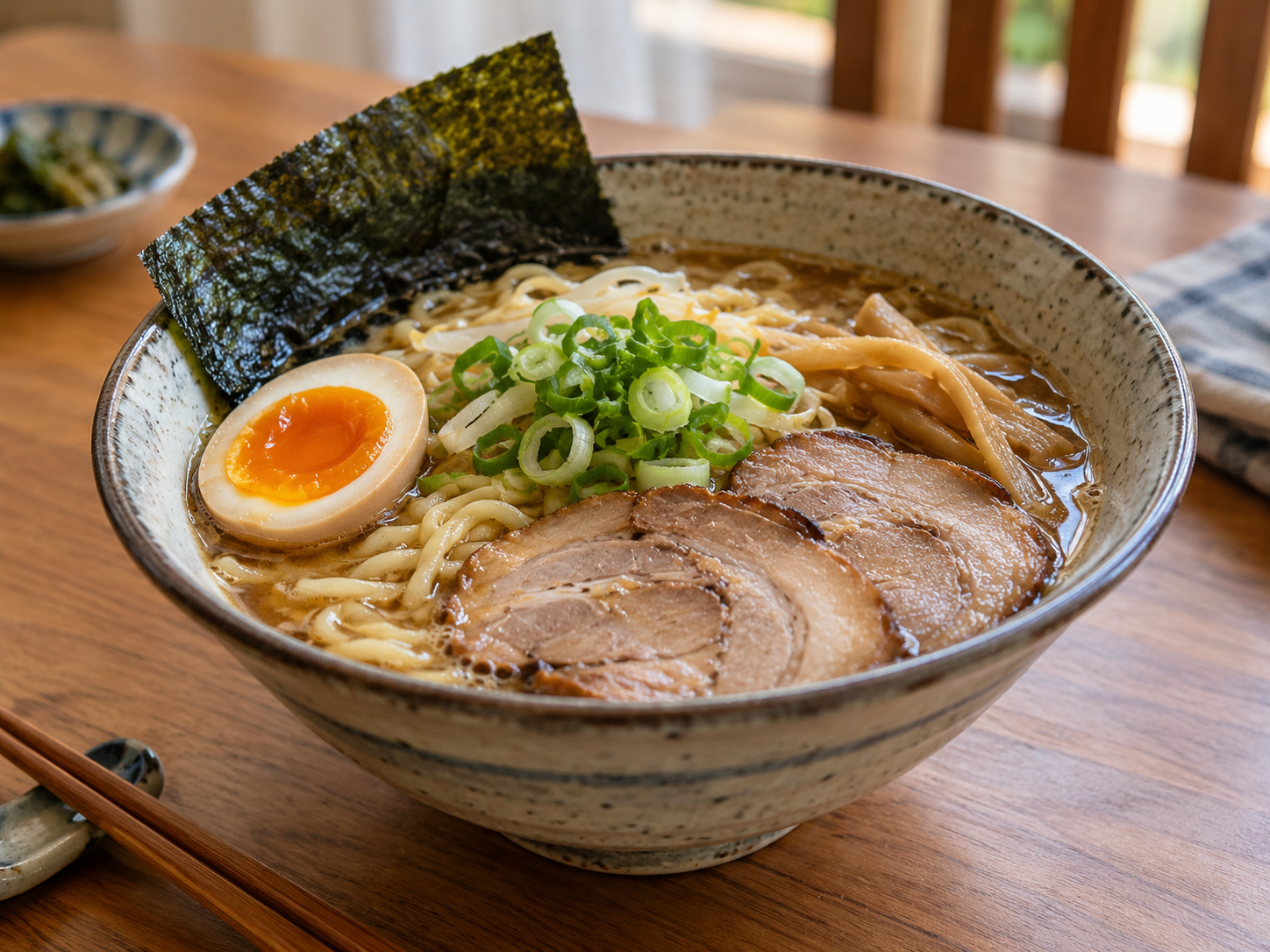
Before
After
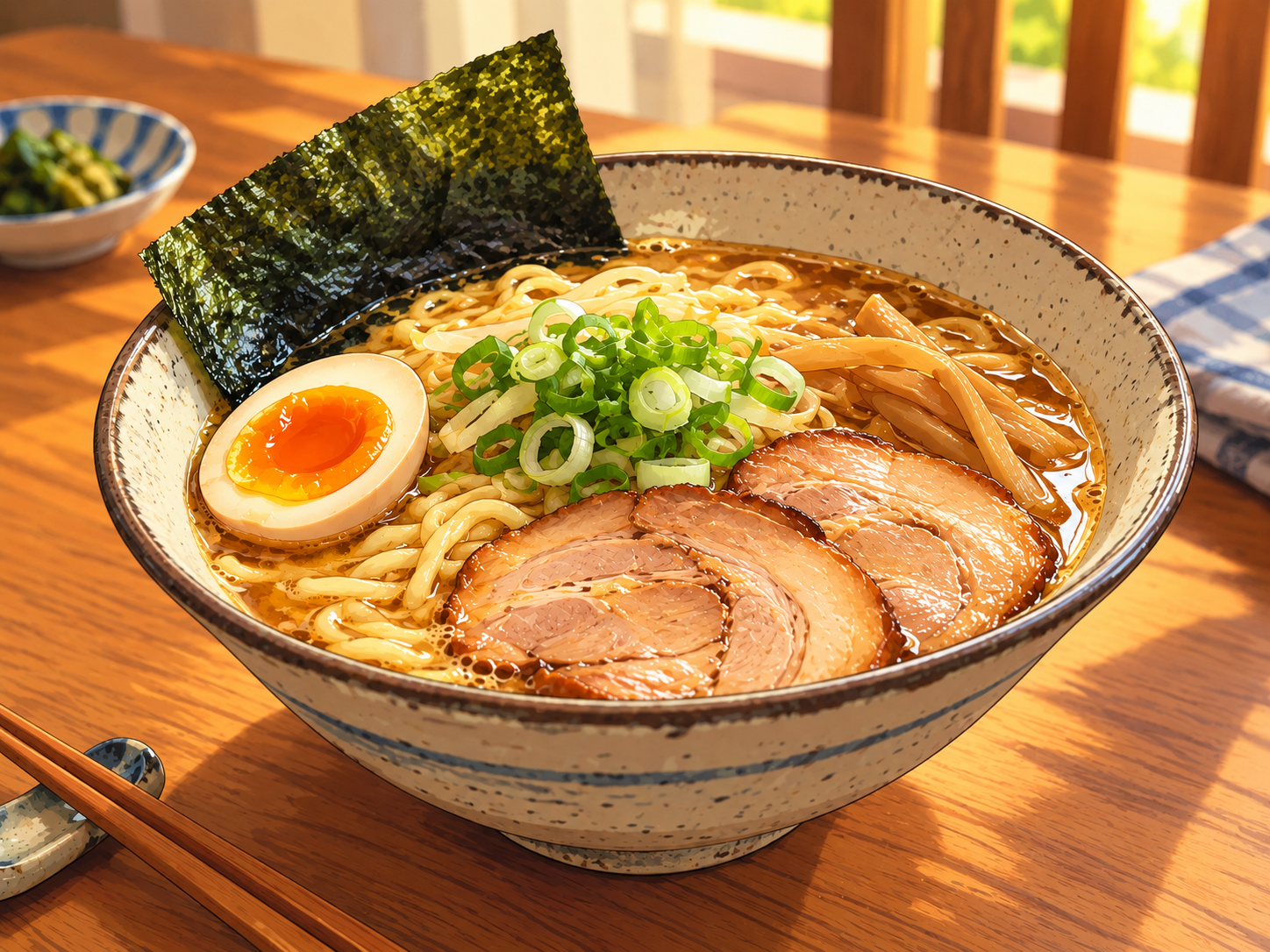
Transforms realistic textures into anime food art.
Choose the photo you want to transform.
Select a visual direction from the available presets.
Add an optional direction, choose your image settings, and generate your anime result.
Choose from Anime, Manga, Ghibli-inspired, 3D Anime, Chibi, Webtoon, Kawaii, and other available styles.
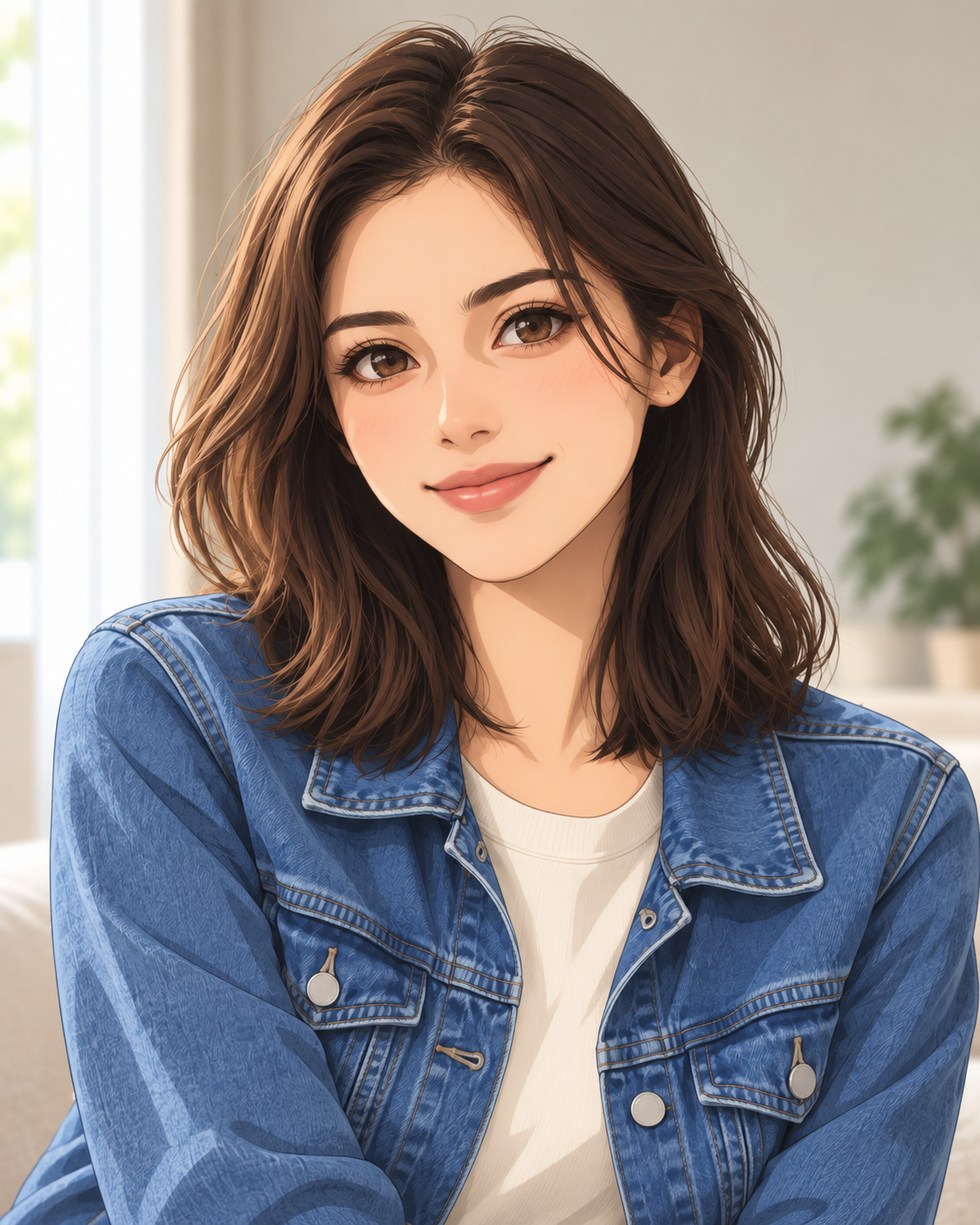
Anime
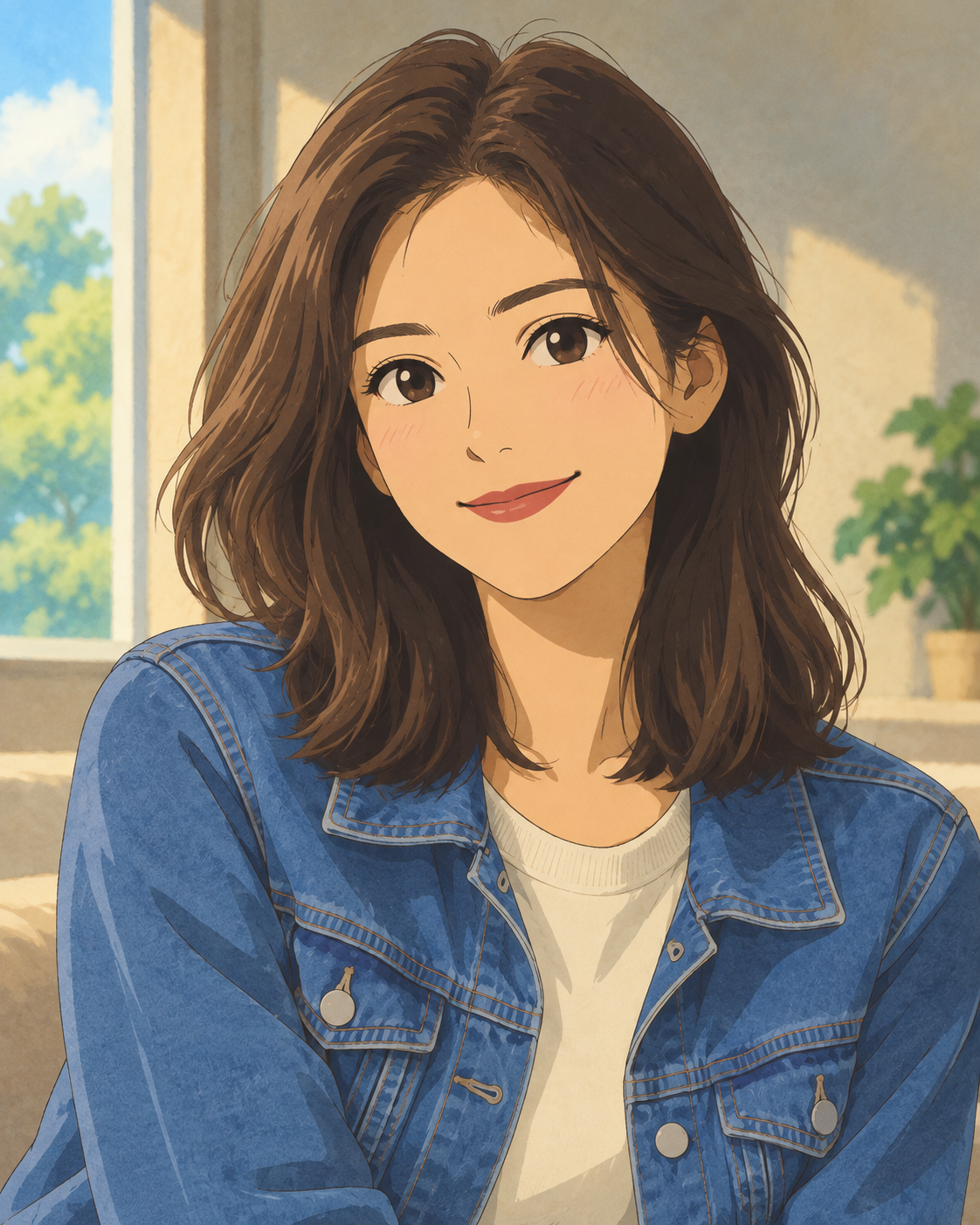
Ghibli-inspired
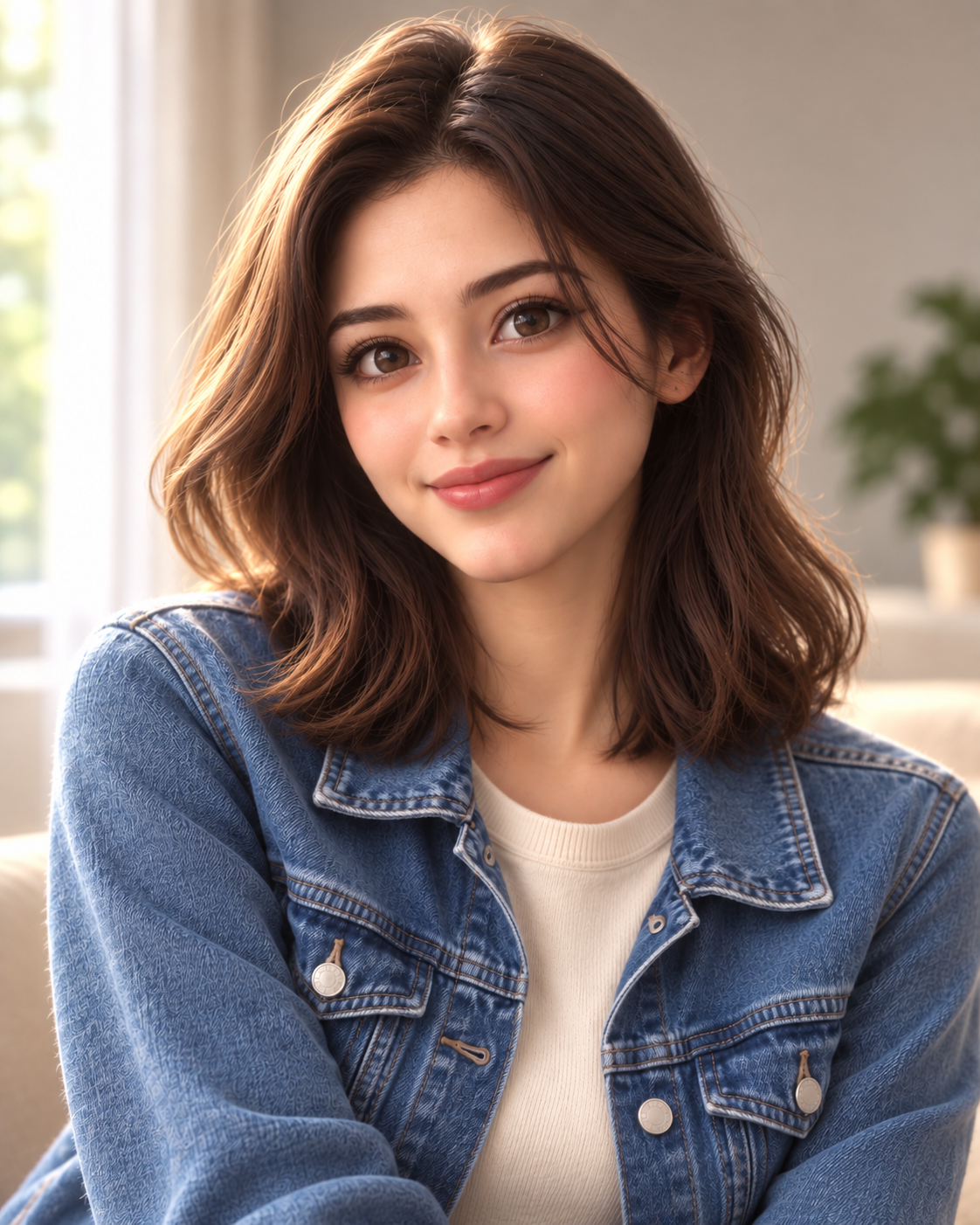
3D Anime
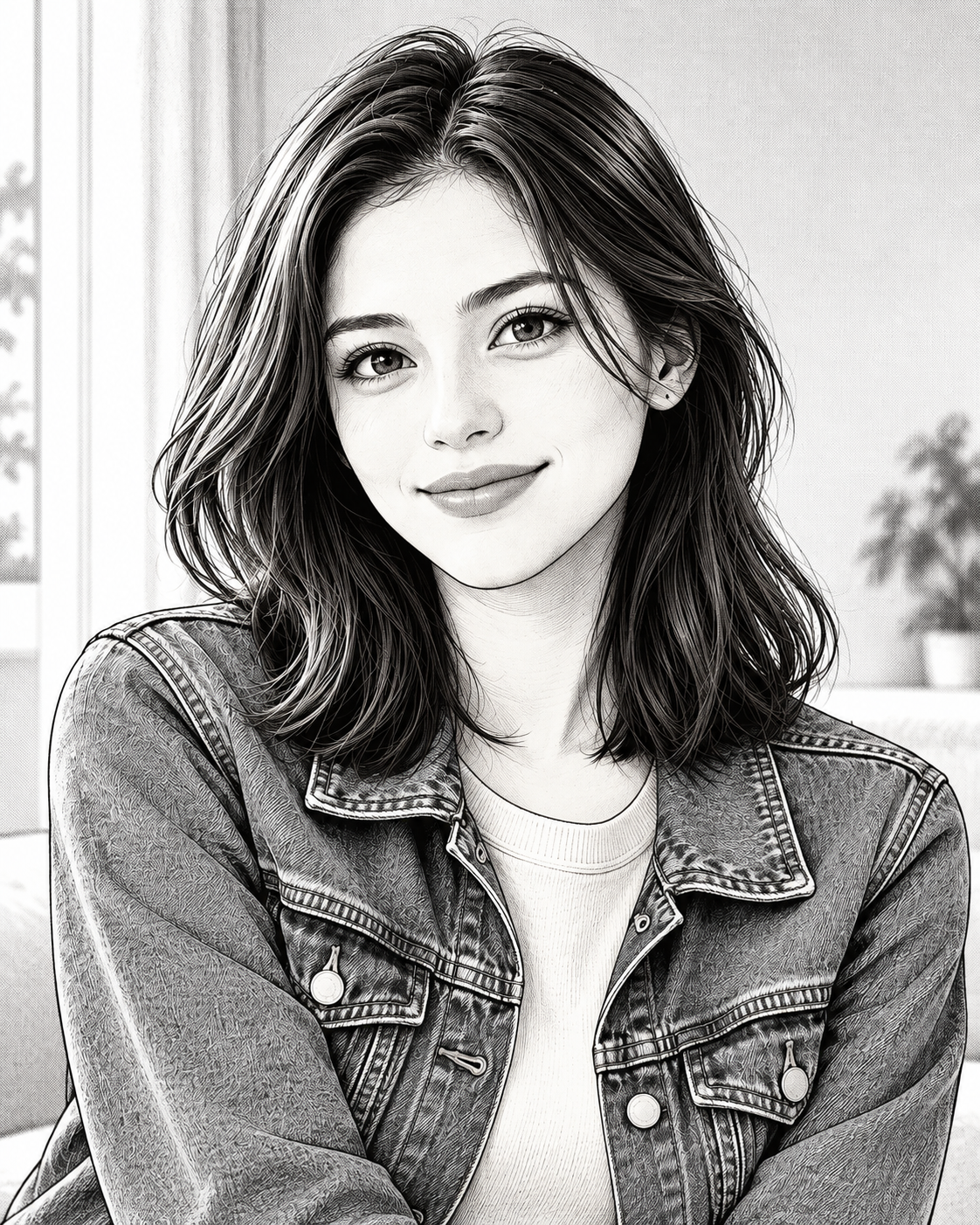
Manga
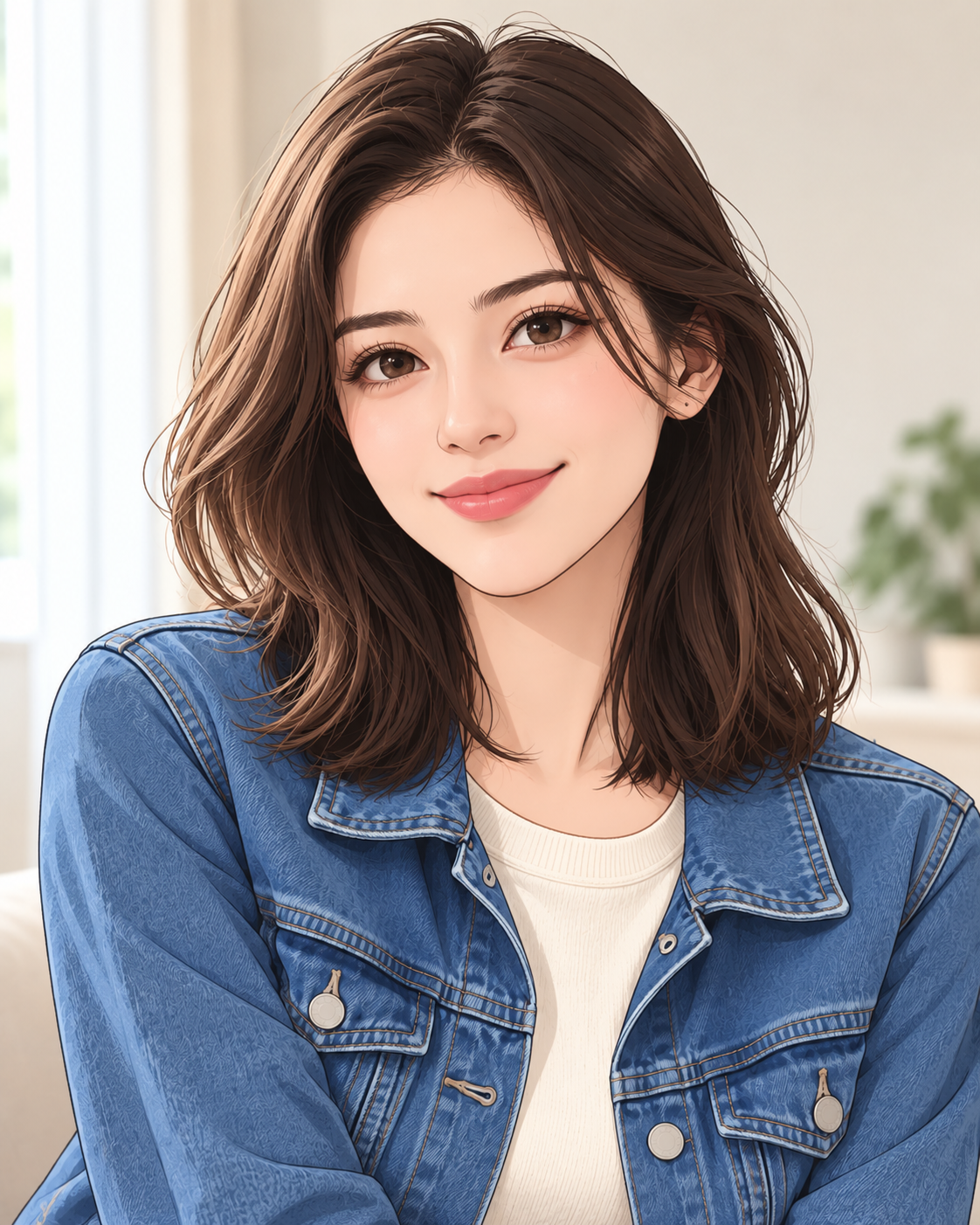
Webtoon
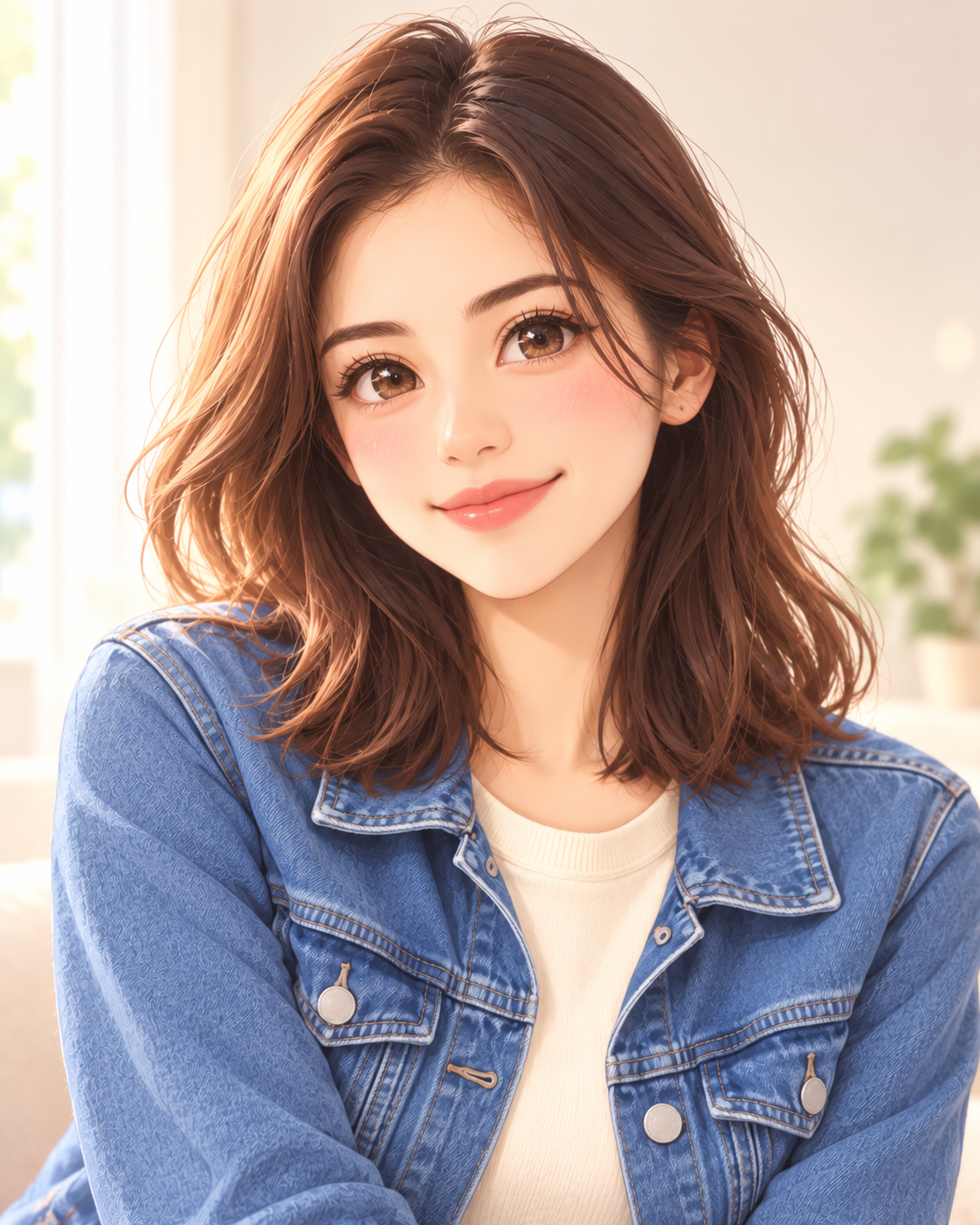
Kawaii
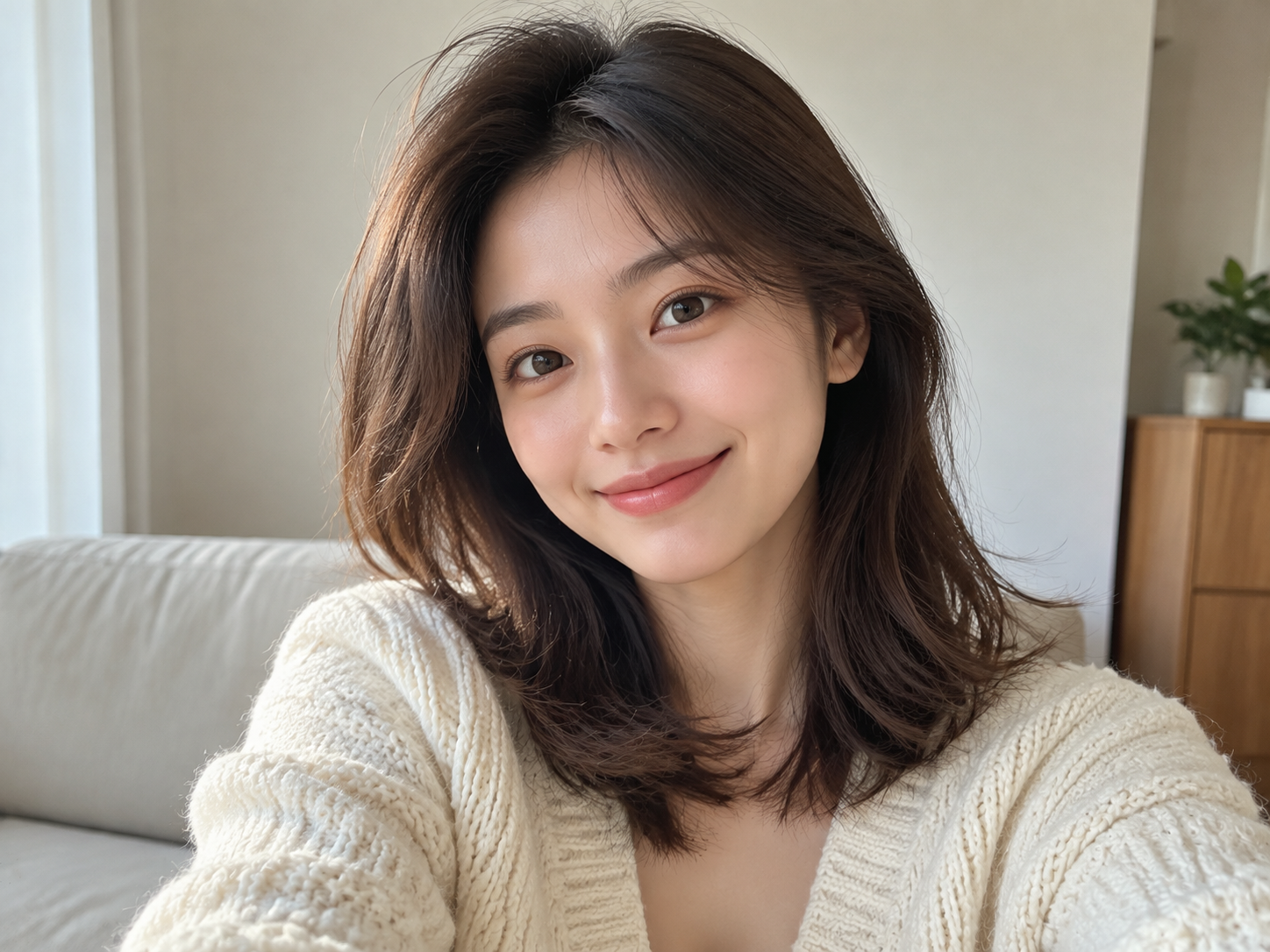
Results may preserve fewer details when faces are very small, heavily blurred, strongly covered, shown at extreme angles, or surrounded by many people.
Your uploaded photo and selected style are reviewed for safety, then the AI transforms the original subject into an anime-inspired image. Results can be previewed and downloaded here.
Yes. Upload a photo, choose a style, and select Generate Anime. Your first anonymous generation is free; additional generations require an account and credits.
Upload a JPG, PNG, or WebP image up to 10MB.
No. Style images are examples; your result depends on your photo, chosen model, and optional direction.
Your photo is uploaded when you submit a generation. Uploaded images and text are checked against our content rules before generation.
Review our Terms and Acceptable Use Policy for usage conditions and restrictions.
Signed-in users can find their generations in the shared private History page. Availability is subject to our storage and retention policy.