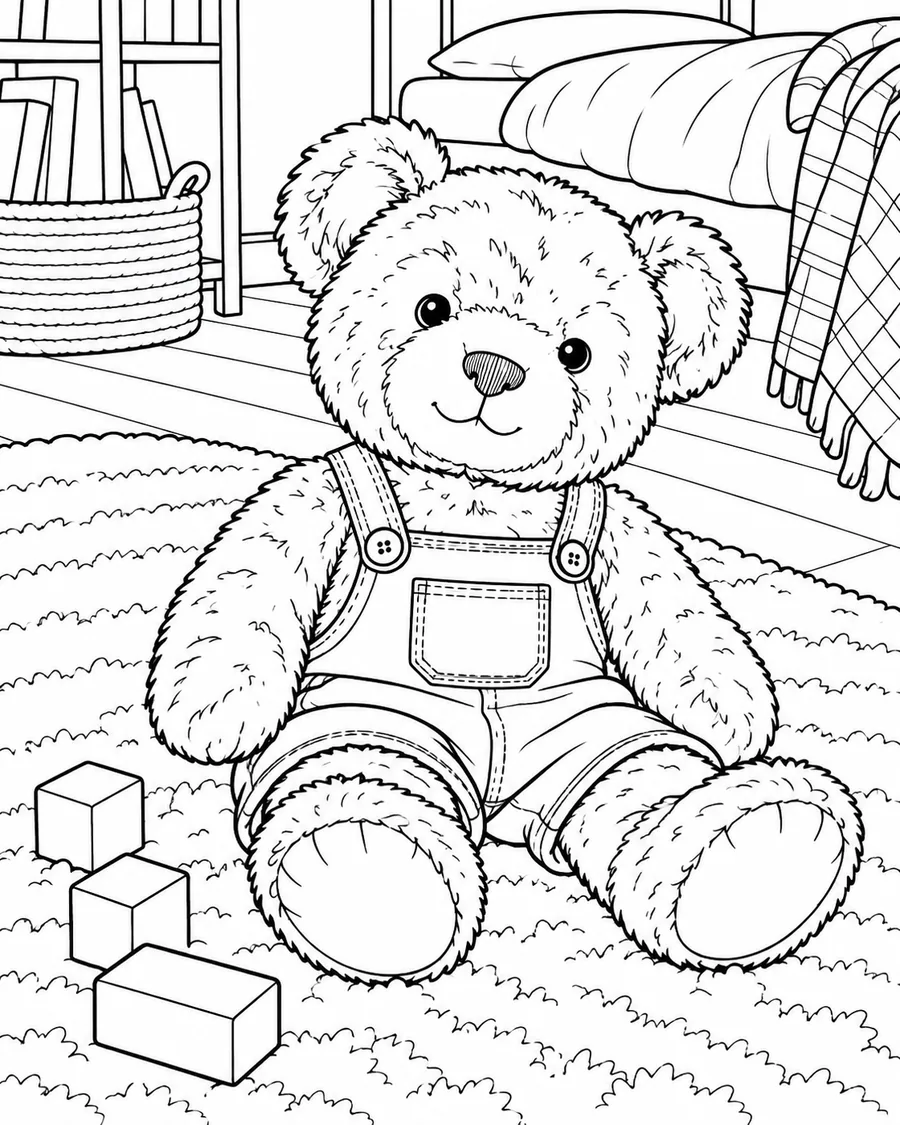
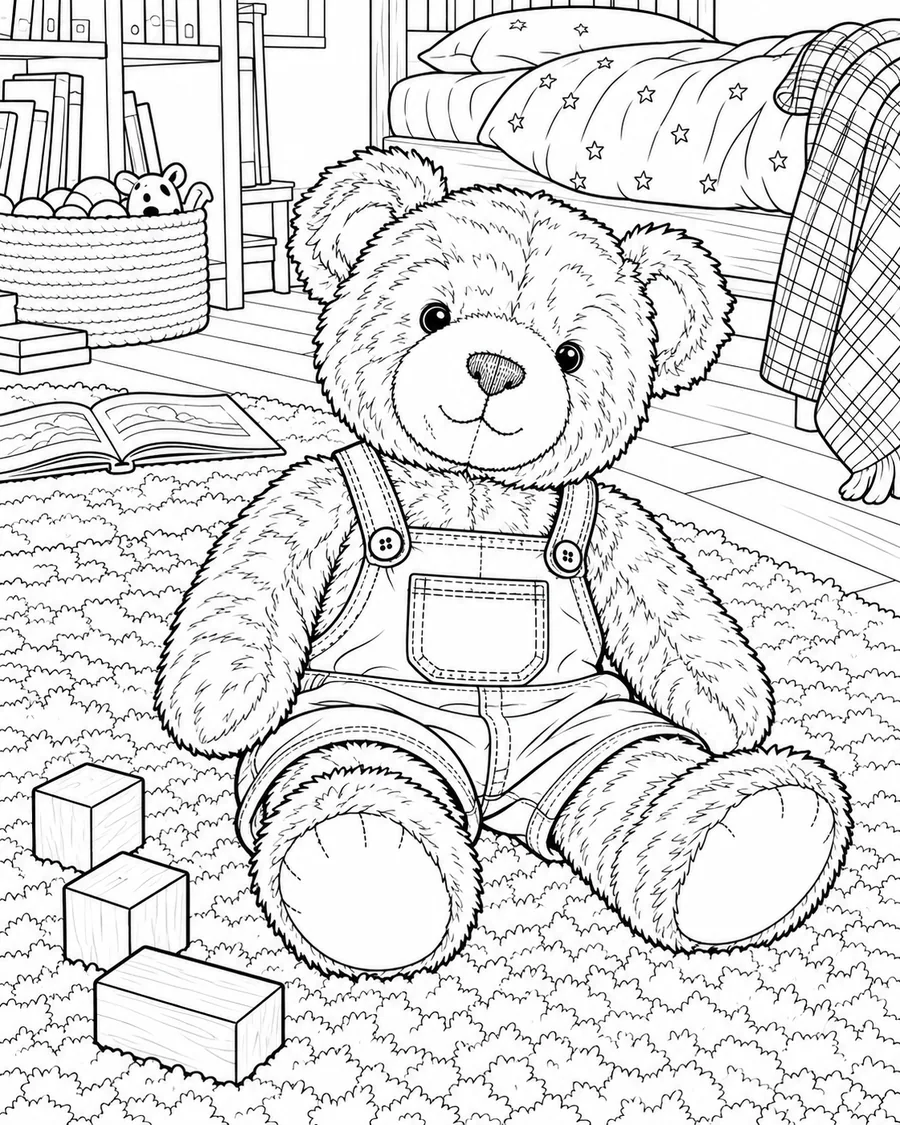
Before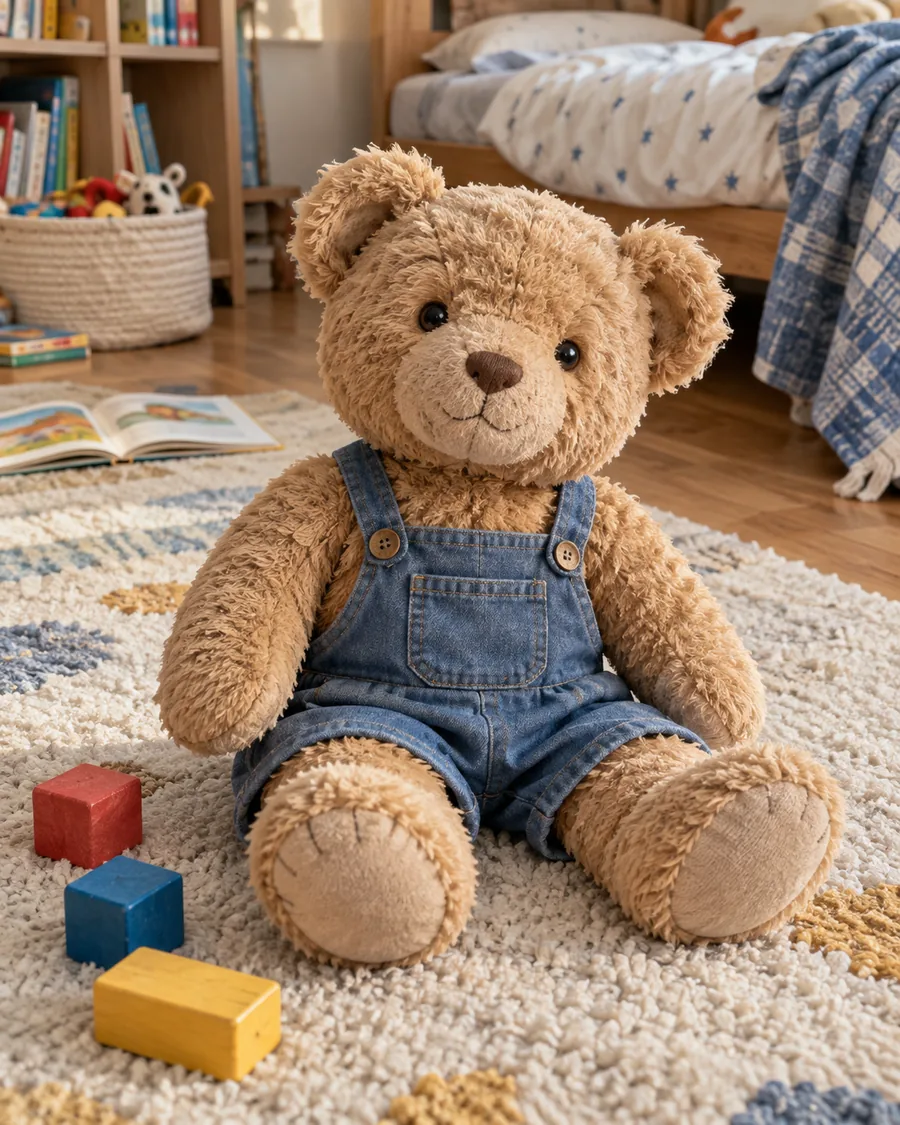
After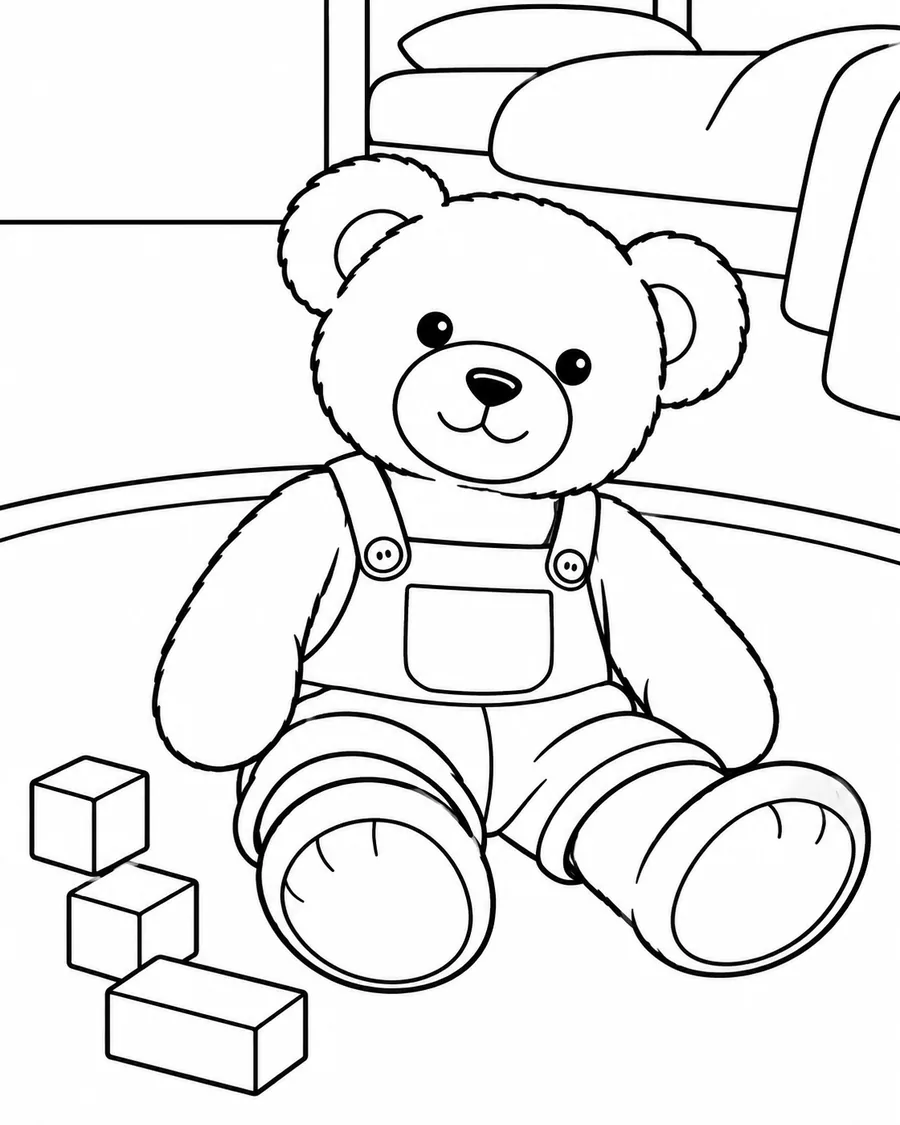
Favorite Toys
Make a coloring activity from a toy your child recognizes.
Turn photos of pets, favorite toys, and family moments into black-and-white pages for printing and coloring at home.
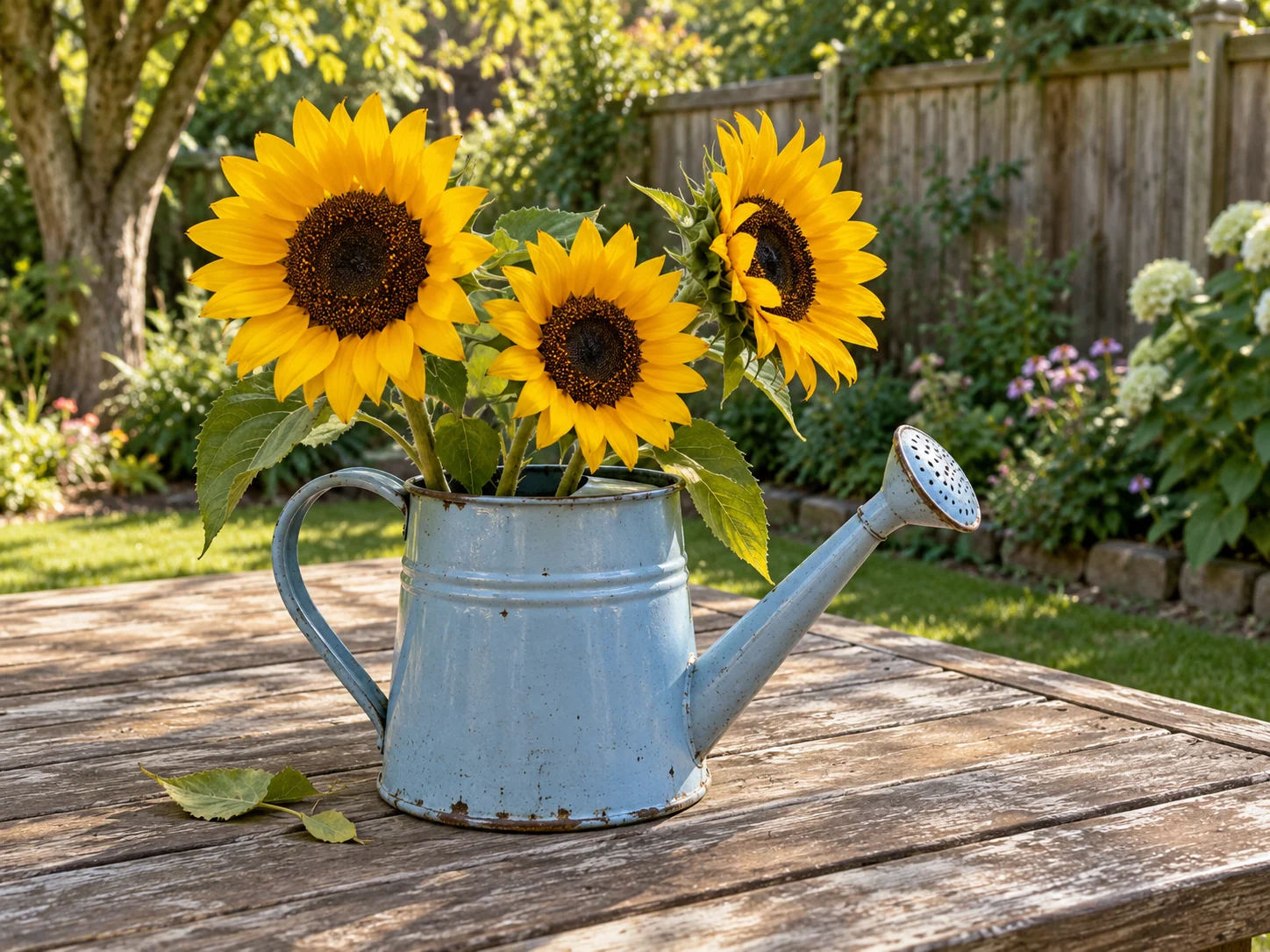
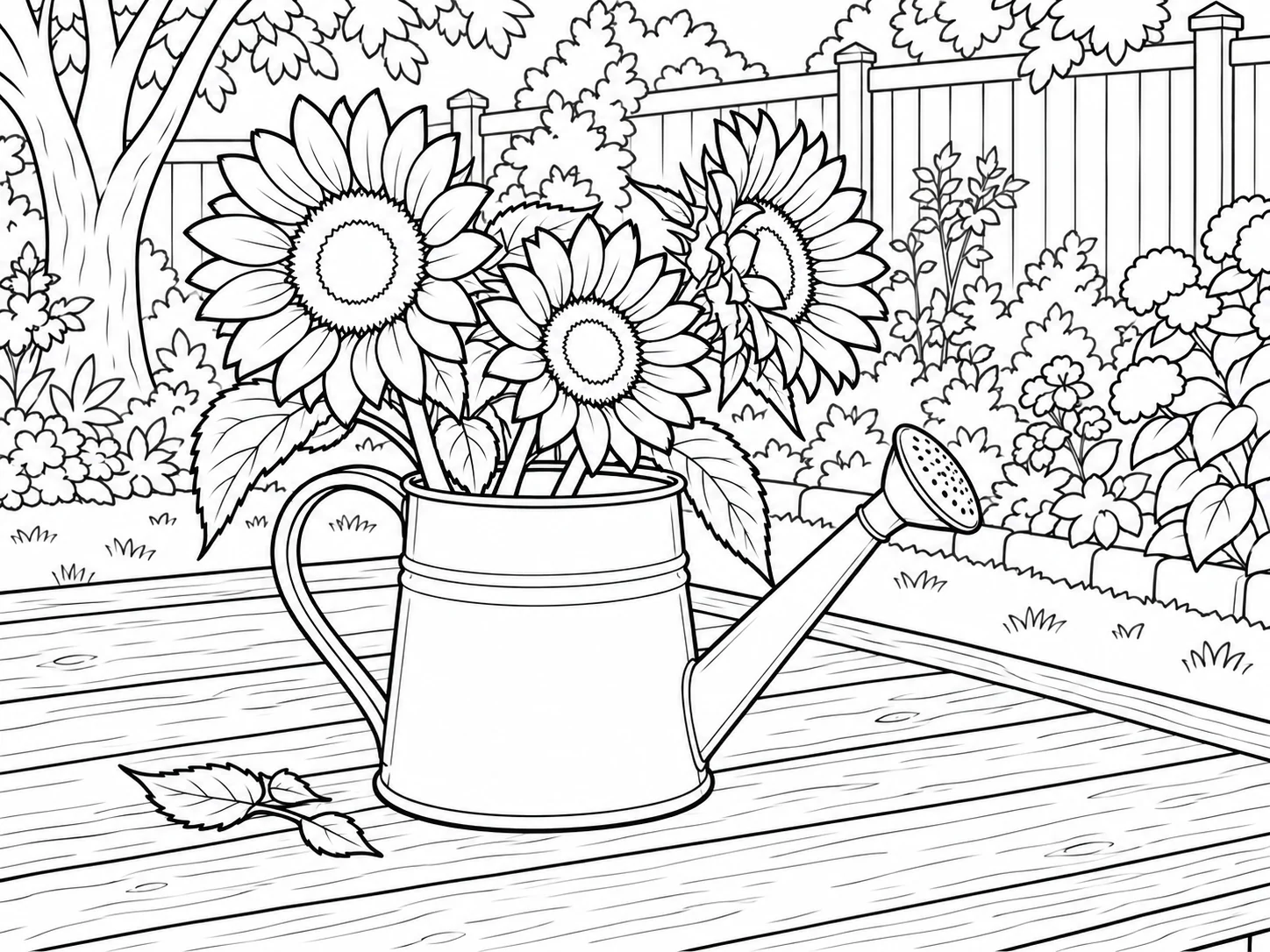
One photo, one page
A photo-to-coloring-page converter turns an existing photograph into black-and-white outlines with open areas for coloring. You can use photos of pets, toys, objects, and family moments.
Keep the pet recognizable while leaving clear areas to color. The face and main outline should stay easy to recognize, with open spaces for coloring.
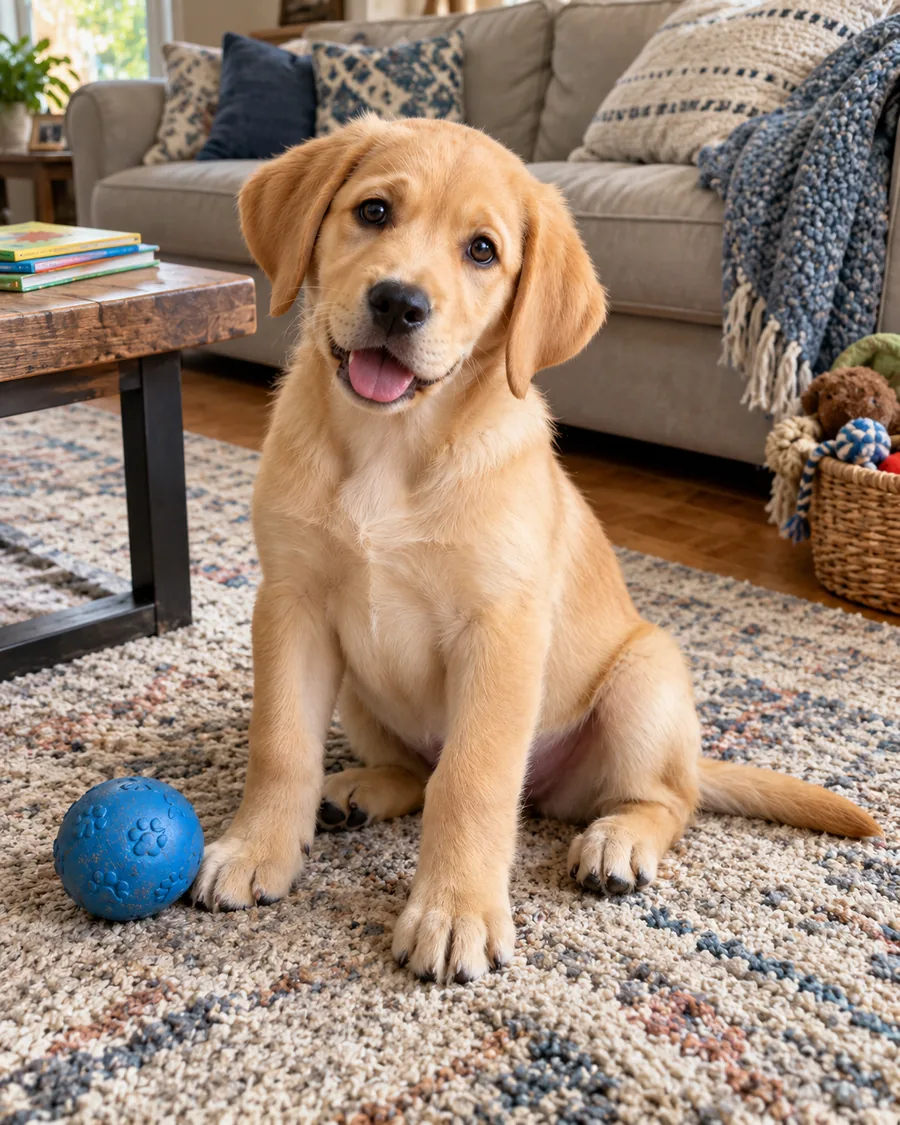
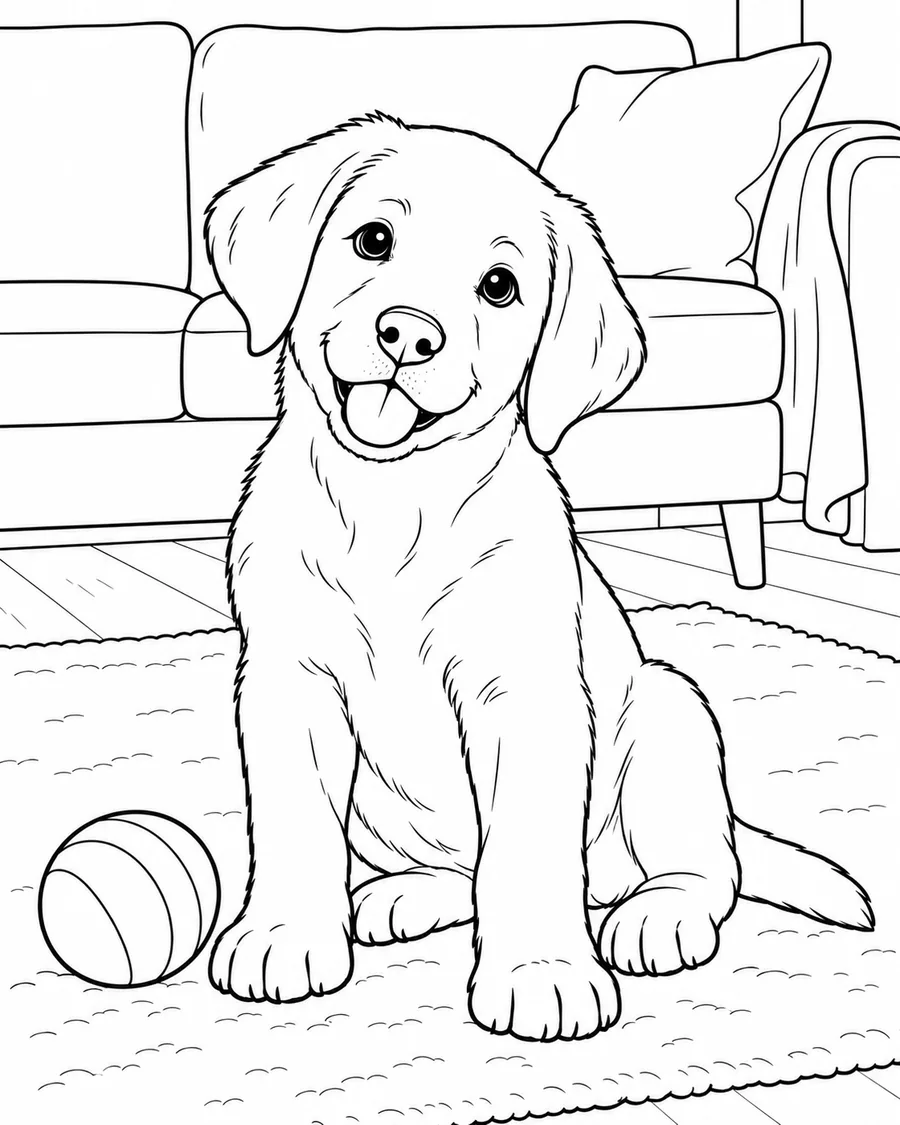
Start with a familiar subject that would be fun to color together.
Make a coloring activity from a toy your child recognizes.
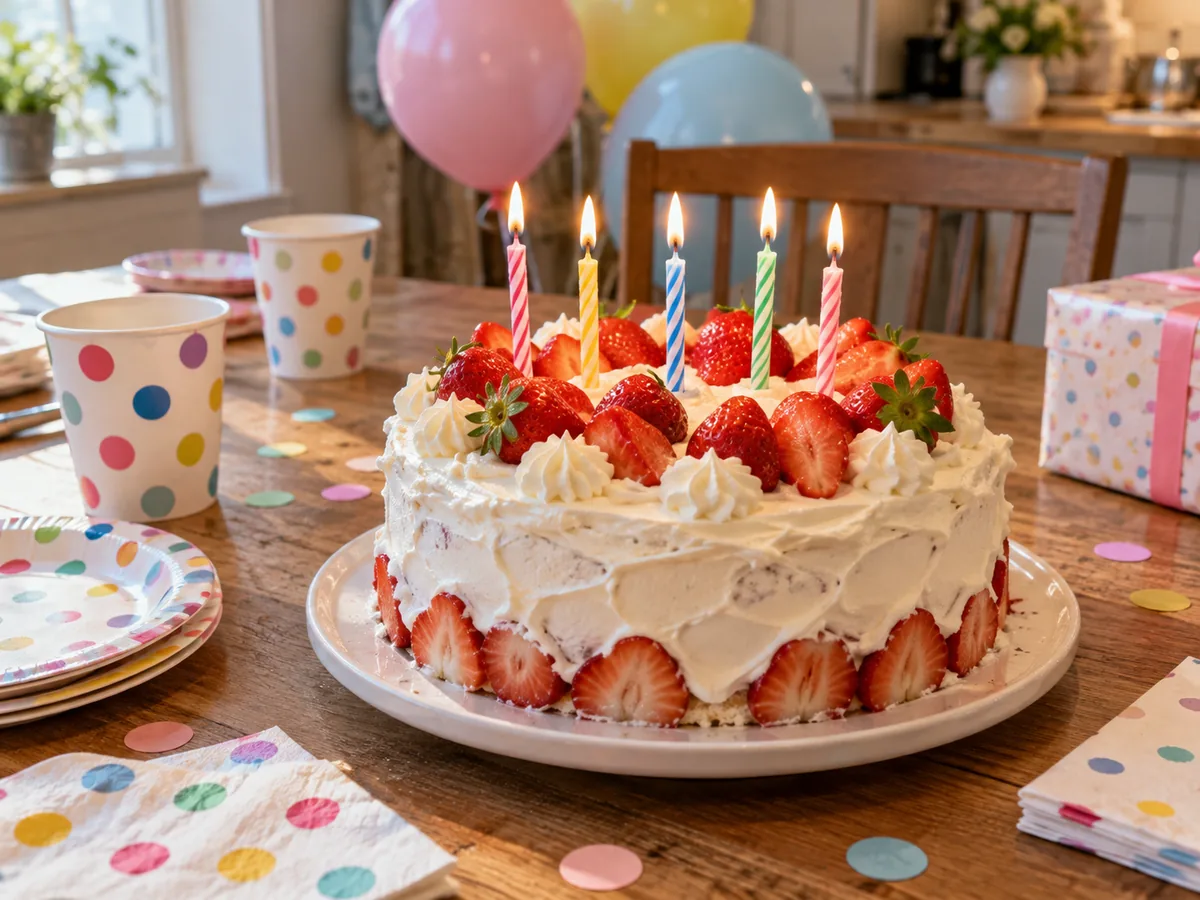
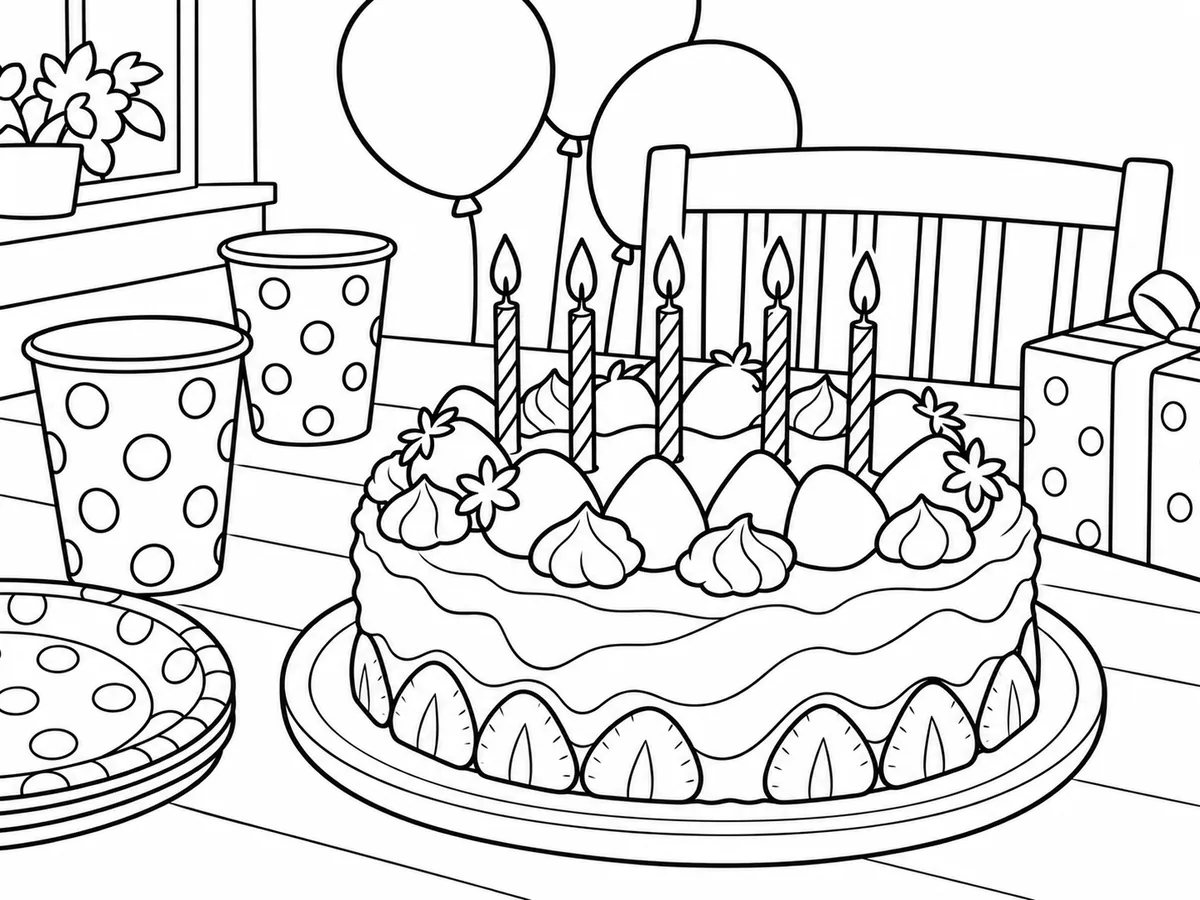
Use a cake photo for a birthday coloring activity.

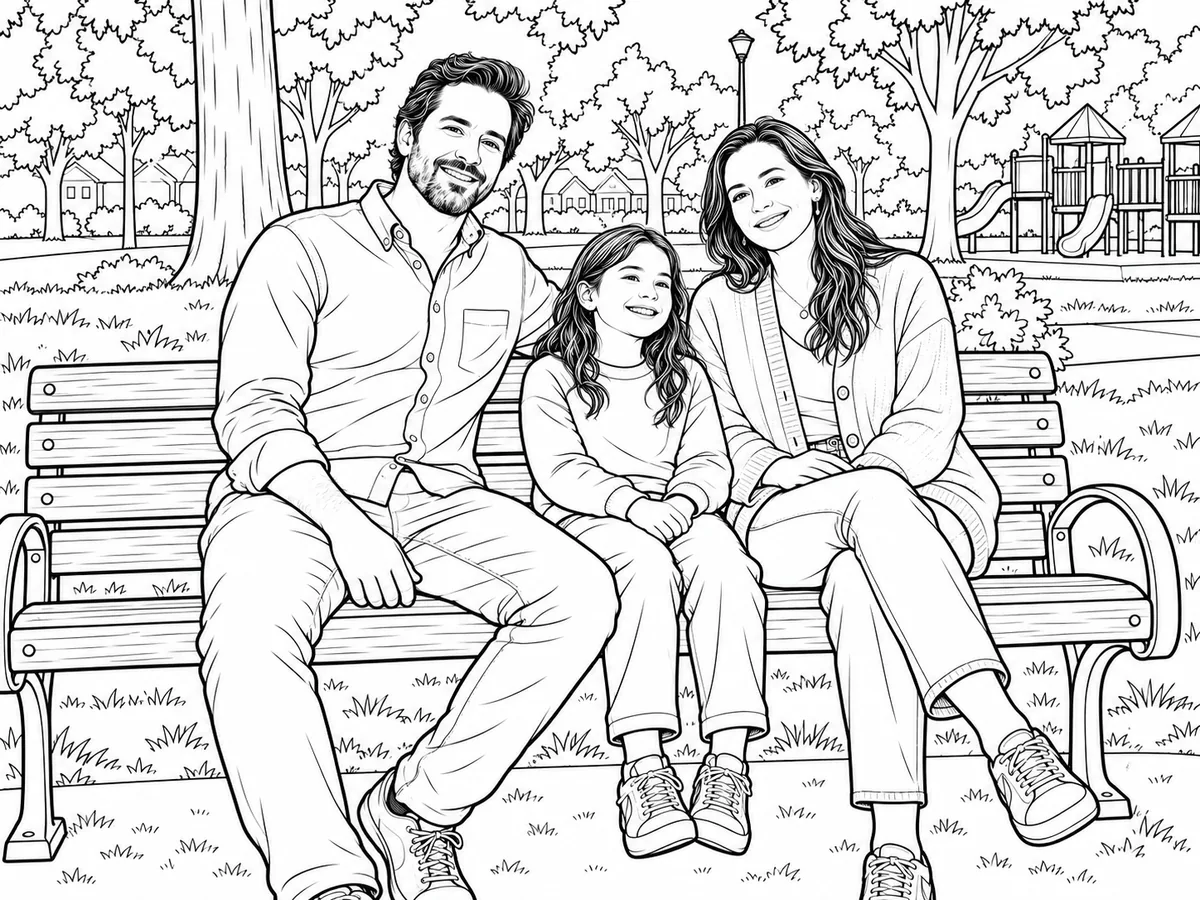
Color familiar faces and moments from a simple family photo.
Compare three levels of detail using the same photo.
Same source photo for every style: Favorite Toys
Stronger outlines, larger coloring spaces, and fewer small details.
Download your result, then choose the paper and layout in your printer settings. Check the printer preview so the page edges stay visible.
| Download file | Download the generated image from the result panel. |
|---|---|
| Paper | Choose your paper size in your own printer settings. |
| Page layout | Keep the image centered with room at the edges. |
| Printing | Use black-and-white mode and check the printer preview. |
| Uses | Home activities, birthdays, and classroom materials. |
Choose a JPG, PNG, or WebP picture with a subject you want to color.
Compare Easy for Kids, Classic Coloring Page, and Detailed.
Make a page, save the result, then check the layout before printing.
Results vary with the photo. Check the downloaded image and your printer preview before printing.
Before you choose a photo
Choose a photo that makes the subject easy to recognize and gives it room on the page.
Complex scenes may produce coloring areas that are too small or crowded.
These names describe different results and ways to use them. Color by Number is an explanation here, not a tool option.
| Name | What it is | How to use it |
|---|---|---|
| Coloring Page | One outlined image with open areas | Print and color a single page |
| Coloring Book Page | A page intended as part of a collection | Gather individual pages for a book or set |
| Color by Number | Numbered areas with a matching color key | Follow assigned colors for each area |
Looking for an illustration with lines rather than open areas to color? See Photo to Line Art.
Upload a JPG, PNG, or WebP photo, choose Easy, Classic, or Detailed, then generate and download the outlined result.
JPG, PNG, and WebP files up to 10 MB can be selected on this page.
Try a photo with one clear subject and fewer overlapping objects.
Leave space around the artwork and check your printer preview before printing.
Choose A4 or US Letter in your printer settings and check the preview. The generated image is not a fixed paper size.
Signed-in users can check their generation history while images remain available.
Choosing a file first shows a local preview. When you generate, the photo is uploaded for safety review and AI processing. See our Privacy Policy for details.
You can download a page for your own activities. Check the image rights and applicable terms before sharing or using it commercially.
You can manually trace or simplify a photo with those editors. Here, choose a photo and one of three styles to generate an outlined page.